
App Store Screenshots (7)


Design Analysis
Visual Design
App Insights
About 100 Monsters Game: Escape Room
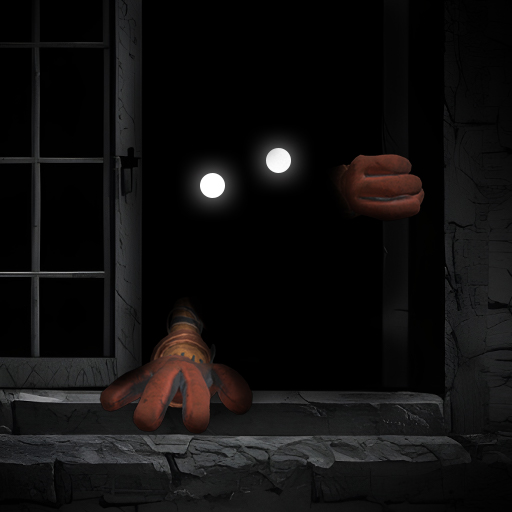
Run away from 100 Monsters' Room! Every day in your life is a crazy maze and it seems like you have no escape door. One day, you decided to brighten your life by picking one from 100 monster games and combine with your squad to escape. However, while playing, you guys discover that this game is not just for adventure. It is a horror game full of chasing monsters. 100 maps with several doors lead to different mystery rooms with many monsters. If you want to survive and get home, you have no choice but to finish your escape-challenging room. 100 Monsters Game: Escape Room will bring monsters to avoid and missions to complete, such as collecting alphabet cubes, running from monsters, and remembering games. HOW TO PLAY 100 Monsters Game: Escape Room: - Touch and drag to move your character - Pick a monster room and escape challenges by finishing missions: collect cubes, remember quizzes, quick reflect, solve the maze, and many other fantastic games. - Run, Jump, Avoid, and Escape from monsters or else they will catch and eat you. - Combine with your squad to finish tasks on time. FEATURES 100 Monsters Game: Escape Room: - Free to play - Easy to play and control - Funny 3D graphic design - Amazing and mystery missions - Fun and addictive gameplay Welcome to 100 Monsters Game: Escape Room! Enjoy your gameplay and try your best to stay alive!
Create screenshots like 100 Monsters Game: Escape Room
Use FlyerBanana's free editor to create professional App Store screenshots inspired by 100 Monsters Game: Escape Room's design. 100+ templates, device frames, and one-click export.










