

App Store Screenshots (5)
Design Analysis
Visual Design
App Insights
About AI Music Video Generator - 1MS
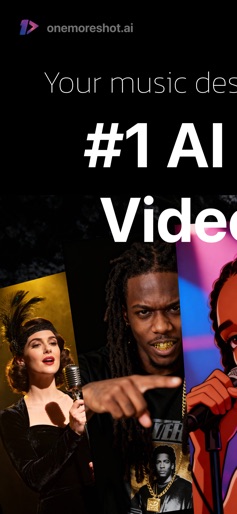
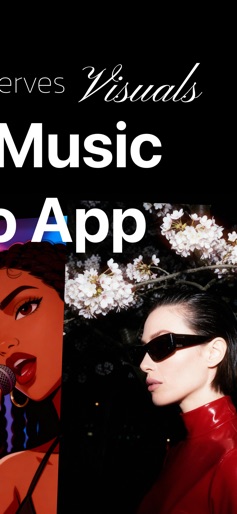
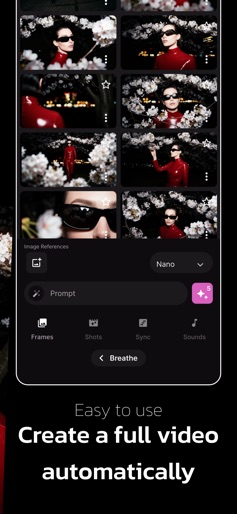
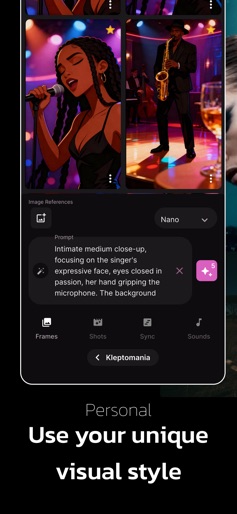
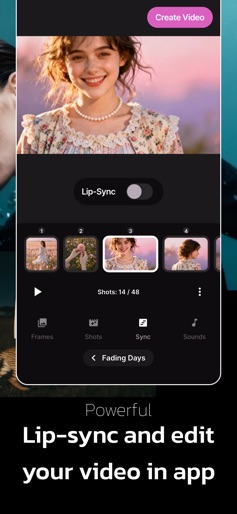
1 More Shot: The Ultimate AI Music Video Generator for TikTok, Reels & Shorts 1 More Shot is the ultimate AI video studio for music creators, artists, and fans of generative music platforms like Suno and Udio. Whether you’re dropping your first AI-generated track or building a full visual identity for your AI artist, this app transforms songs into engaging, animated music videos ready for TikTok, Instagram Reels, and YouTube Shorts — no filming, editing, or animation skills required. Designed for bold, fast-moving creators, 1 More Shot helps you turn your songs into stories and your ideas into viral content in seconds. Key Features: • Prompt-to-Video for Music Upload your track from Suno, Udio, or any music source. Describe the mood, scene, or story you want, and 1 More Shot will generate a fully animated music video that matches your audio. • Custom AI Characters and Styles Personalize your videos with custom LoRA models to keep characters consistent or build a signature visual style. Perfect for creating recurring personas or themed content across your releases. • Scene Control and Animation Tools Add motion, transitions, camera angles, and performance elements like dancing, storytelling, or surreal effects. Make every video feel dynamic and uniquely yours. • Fast Generation for Trending Sounds Go from song to video in minutes. 1 More Shot is built for speed, so you can post while your track is still trending and stay ahead of the algorithm. • AI Lip-Sync and Voice Matching Paste your lyrics or use your own voice. The app automatically lip-syncs your characters with natural movement and rhythm, creating a believable performance in any language. • Powered by Cutting-Edge AI 1 More Shot runs on state-of-the-art video models like FLUX, Kling, Luma, Wan2.1, Minimax and more, delivering next-level quality, fluid motion, and cinematic visuals. Join the new wave of music video creation. Whether you’re a Suno artist, a Udio explorer, or just starting your journey into AI music, 1 More Shot gives you the tools to make every track unforgettable — and ready to go viral. Your music deserves more than a static image. It’s time to take your shot. Terms & Conditions: https://bit.ly/42dO2cU Privacy Policy: https://www.iubenda.com/privacy-policy/8126812
Create screenshots like AI Music Video Generator - 1MS
Use FlyerBanana's free editor to create professional App Store screenshots inspired by AI Music Video Generator - 1MS's design. 100+ templates, device frames, and one-click export.
More Entertainment Apps
View all

YouTube
Entertainment


Spotify: Music and Podcasts
Entertainment


TikTok - Videos, Shop & LIVE
Entertainment


Pandora: Music & Podcasts
Entertainment


Shazam: Find Music & Concerts
Entertainment


Photo Lab Picture Editor & Art
Entertainment