
AI Photo Video Editor, Enhance
COOL SUMMER LIMITED
Create Screenshots Like AI Photo Video Editor, EnhanceApp Store Screenshots (9)
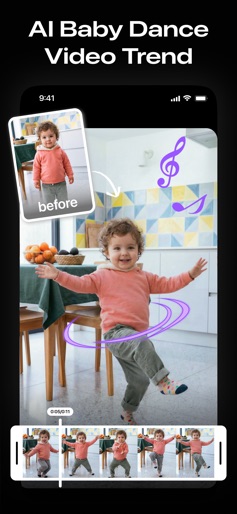
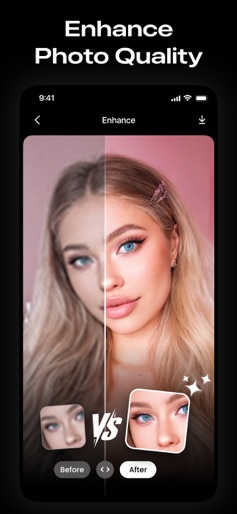
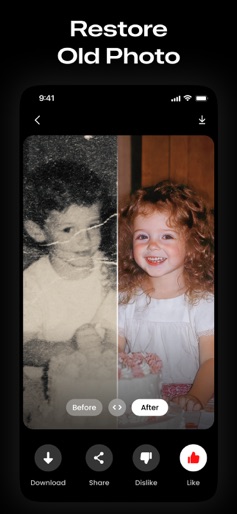

Design Analysis
Visual Design
App Insights
About AI Photo Video Editor, Enhance
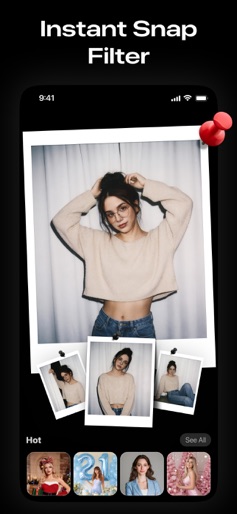
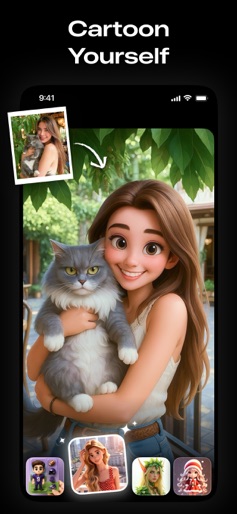
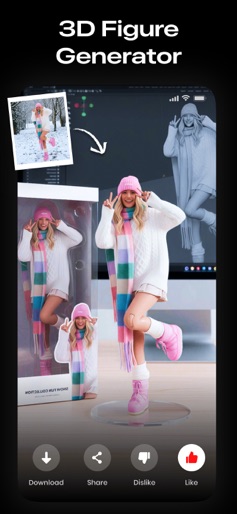
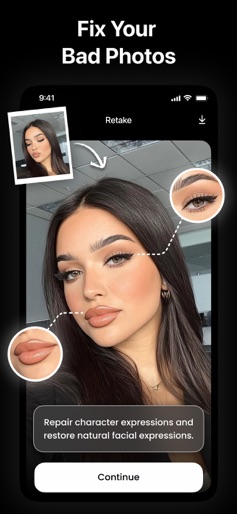
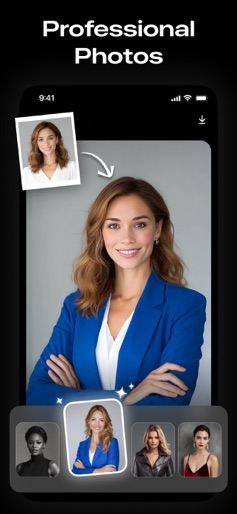
Everything you need to create images with AI! Do you want to unblur, restore, and enhance any photo? Want to generate AI baby dance videos? Wondering what your future baby might look like? Or animate your own pictures? Try this app now! The AI Photo app can create amazing HD art photos using advanced AI technology — all in just one tap. In addition, our app offers a wide range of features, including face aging, AI filtering, face-swapping, colorizing, photo-repairing, photo-retaking, and more. AI Photo uses cutting-edge AI technology to transform your photos and generate artistic images within seconds. It’s the ultimate tool for creating fun, surprising, and beautiful visuals. Key Features: ► AI Photo Enhance Whether you’re capturing old photos or uploading selfies, you can turn blurry images into crystal-clear HD photos with just one tap. ► AI Retouch Fix those imperfect moments with cutting-edge AI. Open closed eyes, correct blurry photos, and generate multiple perfect versions instantly. ► Aging Video Curious about how you'll look when you're older? Use our fun, easy aging filter powered by AI to see yourself in the future — lifelike and entertaining. ► Animate Photo Bring your photos to life with the Animate Photo feature. Turn still images into moving memories in seconds. ► AI Future Baby Generator Upload two faces and let AI predict what your future baby might look like. A fun and heartwarming experience. ► AI Photo Generator Turn your selfies into stylized photos — from LinkedIn profiles and business looks to wedding, vintage, and old-money aesthetics. ► AI Filter Transform your photos into art with thousands of possible filters. Want to become your favorite superhero or character? It’s just one tap away! ► AI Face Swap Swap faces in photos with realistic results. Become a princess, witch, celebrity, or anything you imagine — powered by AI. ◆ SUBSCRIPTION TERMS ◆ One Week Subscription: $6.99 / Week One Year Subscription: $39.99 / Year Lifetime Purchase: $79.99 Payment will be charged to your iTunes account when you confirm the purchase. • Your subscription will automatically renew unless you turn off auto-renew at least 24 hours before the current period ends. • Your account will be charged for renewal within 24 hours before the subscription expires, and you will see the renewal price. • You can manage your subscription and turn off auto-renew anytime in your iTunes account settings after purchase. • If you have a free trial, any unused portion will be forfeited once you buy a subscription. • To avoid renewal charges, cancel your subscription or free trial at least 24 hours before it ends by turning off auto-renew in your iTunes settings. Cancellation takes effect the day after your current period ends and you’ll be downgraded to the free version. If you have any questions or need assistance, please email us at coolsummerdev@icloud.com. We’re here to help! For more information, please read our: Privacy Policy: https://coolsummerdev.com/artgenerator-privacy-policy Terms of Use: https://coolsummerdev.com/artgenerator-terms-of-use Community Guidelines: https://coolsummerdev.com/community-guidelines
Create screenshots like AI Photo Video Editor, Enhance
Use FlyerBanana's free editor to create professional App Store screenshots inspired by AI Photo Video Editor, Enhance's design. 100+ templates, device frames, and one-click export.
More Entertainment Apps
View all

YouTube
Entertainment


Spotify: Music and Podcasts
Entertainment


TikTok - Videos, Shop & LIVE
Entertainment


Pandora: Music & Podcasts
Entertainment


Shazam: Find Music & Concerts
Entertainment


Photo Lab Picture Editor & Art
Entertainment