AR Drawing: Sketch & Paint icon

AR Drawing: Sketch & Paint

AR Drawing

Creativity
4.5(65.4K ratings)
Free
Create Screenshots Like AR Drawing: Sketch & Paint

App Store Screenshots (6)

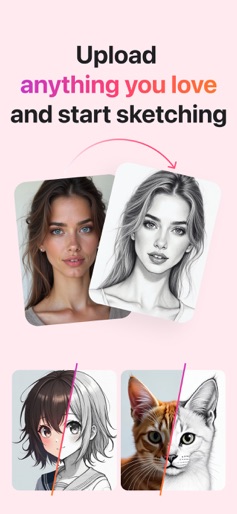
AR Drawing: Sketch & Paint screenshot 1
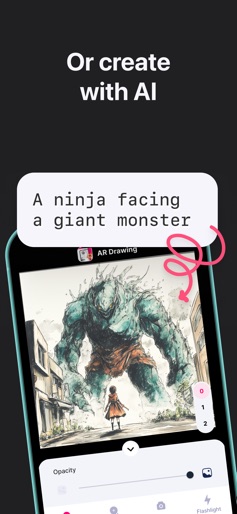
AR Drawing: Sketch & Paint screenshot 2
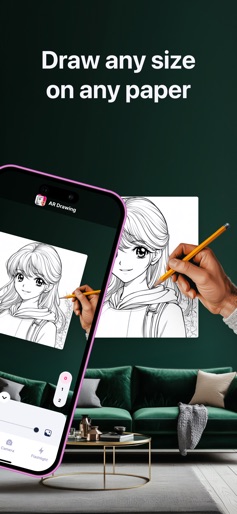
AR Drawing: Sketch & Paint screenshot 3
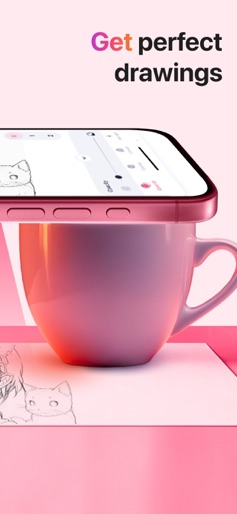
AR Drawing: Sketch & Paint screenshot 4
AR Drawing: Sketch & Paint screenshot 5
AR Drawing: Sketch & Paint screenshot 6

Design Analysis

Visual Design

App Insights

About AR Drawing: Sketch & Paint

Just trace a projected picture on paper and color it! - Use your phone camera to draw - Lots of templates: Animals, Cars, Nature, Food etc. - Built-in flashlight - Share the result with your friends AR Drawing is an innovative mobile app that allows to create stunning drawings and paintings using augmented reality technology. You can draw anything you want on any surface. Whether you are an experienced artist or just starting out, this app is perfect for unleashing your creativity and exploring new possibilities in art. So why wait? Download AR Drawing: Sketch & Paint today and start creating your own masterpiece! Privacy Policy: https://ar-drawing.com/privacy/ Terms of Use: https://ar-drawing.com/terms/

Create screenshots like AR Drawing: Sketch & Paint

Use FlyerBanana's free editor to create professional App Store screenshots inspired by AR Drawing: Sketch & Paint's design. 100+ templates, device frames, and one-click export.

More Creativity Apps

View all

Frequently Asked Questions

How can I create screenshots like AR Drawing: Sketch & Paint?
You can create App Store screenshots inspired by AR Drawing: Sketch & Paint using FlyerBanana's free screenshot editor. Choose from 100+ templates, customize colors, text, and device frames, then export in all required sizes.
What screenshot sizes does AR Drawing: Sketch & Paint use?
AR Drawing: Sketch & Paint uses standard App Store screenshot sizes including 6.7" (1290×2796px), 6.5" (1284×2778px), and 5.5" (1242×2208px) for iPhones. FlyerBanana supports all required sizes with one-click export.
Can I use AR Drawing: Sketch & Paint's screenshot style for my app?
Yes! While you shouldn't copy screenshots directly, you can use AR Drawing: Sketch & Paint's design patterns as inspiration. FlyerBanana's templates let you create professional screenshots with similar layouts, color schemes, and visual styles.
What makes good Creativity app screenshots?
The best Creativity app screenshots clearly showcase key features, use consistent branding, include compelling copy, and follow App Store guidelines. Browse our Creativity inspiration gallery to see what top apps do well.