

App Store Screenshots (5)

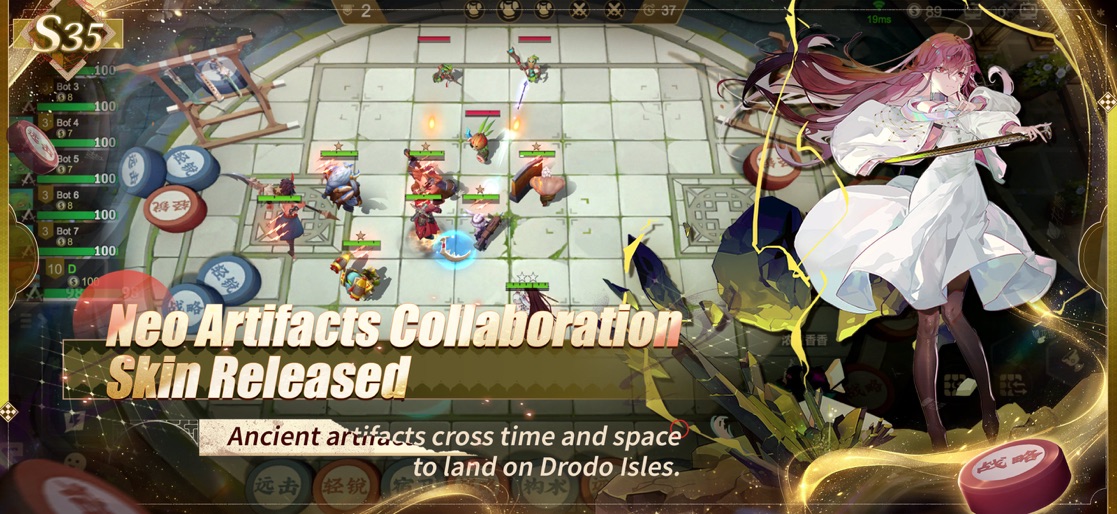


Design Analysis
Visual Design
App Insights
About Auto Chess
[Game Intro] The originator of auto battler - Auto Chess! The Auto Chess, which has been sweeping over the world since 2019, released its indie game! Auto Chess, introduced by Drodo Studio and Dragonest Co.Ltd., is an original auto battler game that inherits the strategic gameplay of Auto Chess. Fight in an 8-way match, pondering on the features of various lineups made up of 23 races and 13 classes! Let's play chess in leisure time!! -Innovative Gameplay By collecting/changing Hero cards, and arranging different formations, 8 chess gamers will be contending for the first prize in the following tens of minutes. Millions of players are challenging each other every day, and it has become one of the most popular leisure gameplays nowadays. -Strategy Rules the World Players will randomly get their Heroes in the Sharing Cardpool, and form special formations according to their unique strategies. Evolution, combination, jockey for position, etc. enable you to practice your strategies to the greatest extent. Who will be adaptable to the changing tide and survive till the end? -Fair Play Make a real fair-play game! The World e-Sports Games are created by Dragonest Co.Ltd., Drodo, and lmbaTV. -Global Server No matter where you come from, welcome to our world and challenge players from all over the world! Official website:http://ac.dragonest.com/en Facebook:https://www.facebook.com/Auto-Chess-411330109632159 Customer service mailbox:autochess@dragonest.com Pocket Dragonest:https://pd.dragonest.com/
Create screenshots like Auto Chess
Use FlyerBanana's free editor to create professional App Store screenshots inspired by Auto Chess's design. 100+ templates, device frames, and one-click export.






