

Automatic Time Clock
Tobias Zimmermann
App Store Screenshots (6)


About Automatic Time Clock
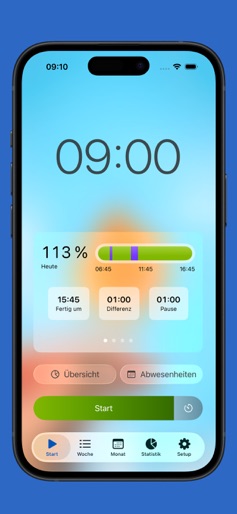
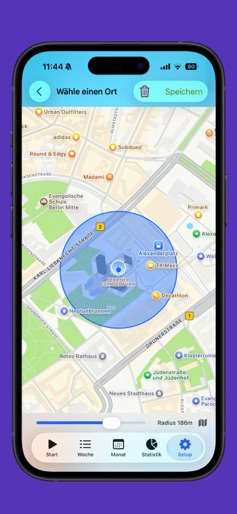
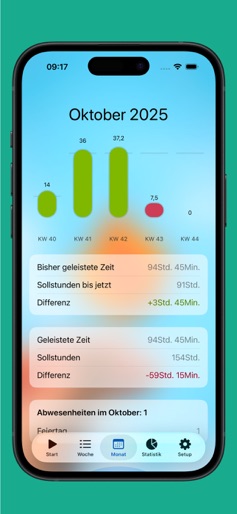
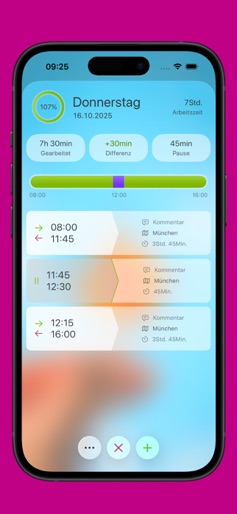
+++ This app stores all data locally on your device +++ StempelUhr is the simple and reliable time tracking app that lets you effortlessly monitor your work hours, overtime, and breaks. Whether you’re on flex-time, cutting down on overtime, or have a dynamic schedule—StempelUhr keeps you in control. Your privacy comes first: All your data stays on your device, never in the cloud. Free Version Features: • Track absences (vacation / sick days) • Get reminders when you reach daily and weekly goals • Automatic tracking with geolocation (supports multiple locations) • Automatic break detection • Advanced Siri Shortcuts • Manually adjust your time entries • Apple Watch support—see your work time right on your watch face • Widgets for instant info • Backup your data as JSON Pro Version Features: • Automatic public holiday import (Europe-wide) • Full annual overview of your work hours • Organize with tags and labels for better clarity • Customize your own work time models • Set time rounding to your preference • Overtime account with precise tracking • Sync with your calendar • Export detailed reports as PDF, Excel, or CSV • Half-day vacation and contingent entries • Personalize with custom backgrounds and themes • See average work and break times in your stats • Export down to the millisecond for accurate records • Set your own maximum work times and get notified if you exceed them • Start and stop tracking right from your device’s Control Center • Enhanced search for times, locations, and tags—perfect for busy schedules • Automatically apply preferred locations and tags to new entries • Plus, many other refinements for the best user experience Terms of Use: https://www.apple.com/legal/internet-services/itunes/dev/stdeula/
Create screenshots like Automatic Time Clock
Use FlyerBanana's free editor to create professional App Store screenshots inspired by Automatic Time Clock's design. 100+ templates, device frames, and one-click export.