

App Store Screenshots (5)
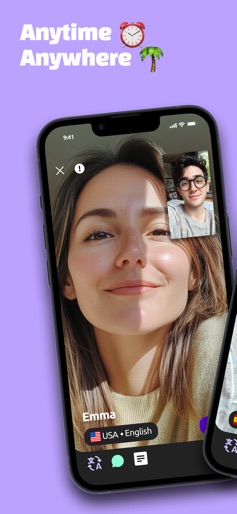
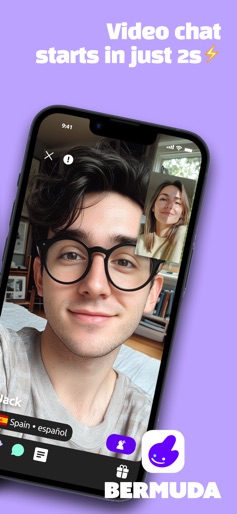


About Bermuda Video Chat
Join video calls with various people from different cultures. [Key Features] - Meet new people through live video calls! - No language barrier. Text and voice chats are translated in real-time - Enjoy the conversation. Try face filters and chat stickers for smoothing talks - Safely stay connected. Keep making video calls/text with new friends, no contact sharing needed. [Community Safety] The top priority is to maintain user safety and positive experience for the team. We achieve this by providing the utmost care and service so that everyone may safely enjoy what it has to offer. Please respect other users and follow our guidelines to keep it clean at all times! [Data Protection] All user data is protected in our secure server and never shared with any third party. Only your profile information you agree to make public will be shown to other users. Be mindful of personal or private information you may reveal through conversations. Your location is never fully disclosed. [App Permissions] - Storage: to send, download, and save photos. - Location: to find matches around your current location. - Microphone: to transmit your voice during video calls. - Camera: to transmit your video during video calls. Your suggestions are valuable for us. You can reach us at appbermuda@gmail.com Privacy policy: https://www.thebermuda.net/privacypolicy.html Terms of service: https://www.thebermuda.net/termsofservice.html
Create screenshots like Bermuda Video Chat
Use FlyerBanana's free editor to create professional App Store screenshots inspired by Bermuda Video Chat's design. 100+ templates, device frames, and one-click export.