
App Store Screenshots (6)




Design Analysis
Visual Design
App Insights
About Block World 3D: Craft & Build
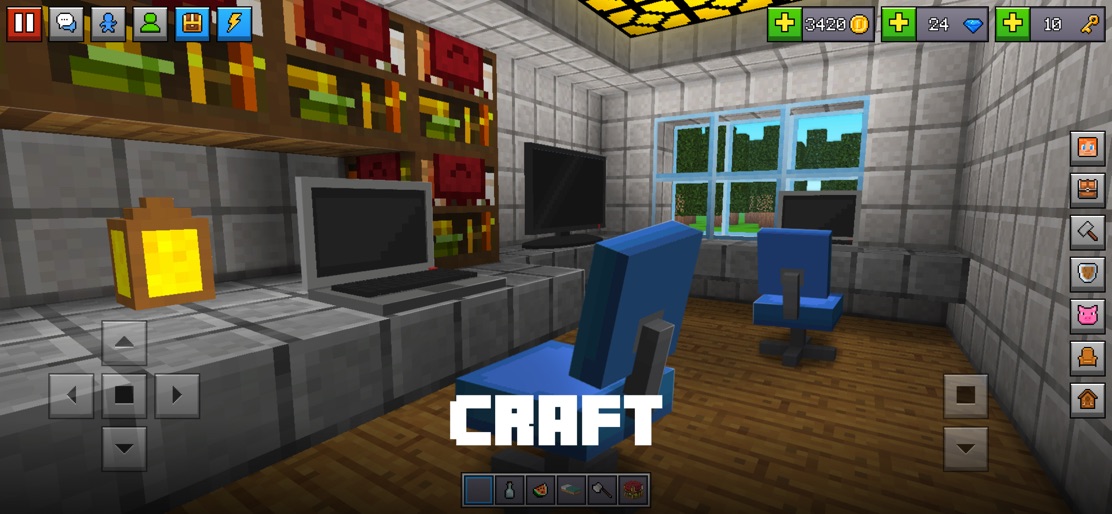
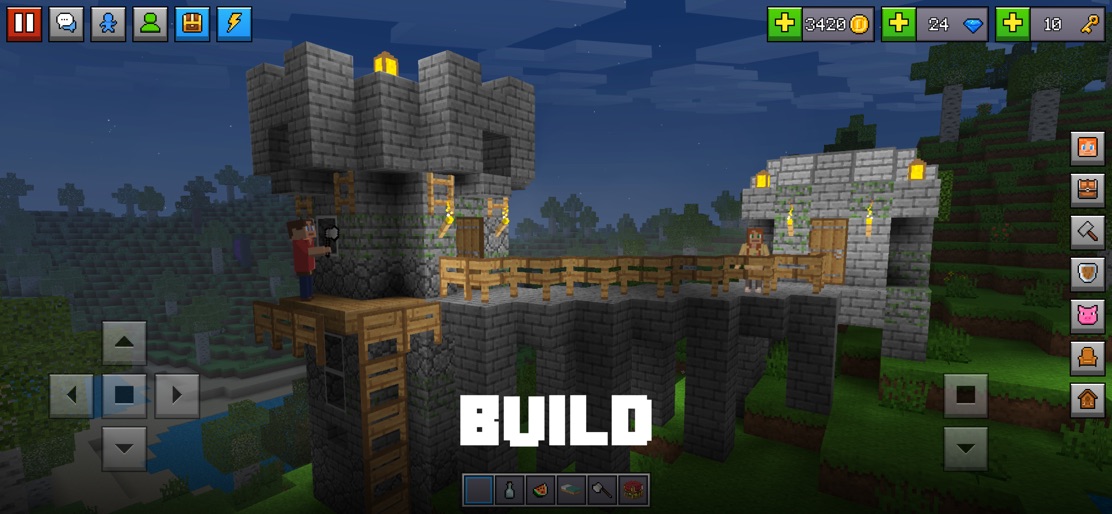
Block World 3D is a sandbox game with crafting and building, where you can explore, craft, survive, build and more with other players. CRAFTING This is a block craft game and you are the best craftsman. You may create many items and blocks from crafting recipes. Build a city and have a school party craft there. BUILDING This is a building game in sandbox mode. Build your house or build your world. In creative mode, you can build any buildings and structures. The game has a built-in editor for creating constructions. SURVIVAL This is a survival game, you will need to find food when you are hungry and water when you are thirsty, you will be constantly in a state of survival. CREATIVE Unlimited creativity, build, destroy and build again. Infinite items and blocks. Invulnerability and flight. And all this is free. All in One - Creative and Destruction. EXPLORATION Explore the endless world of blocks alone or with friends, or even craft your own world for other users to see. ADVENTURE This is an adventure, in this mode you can not destroy and create, but you can interact with players, mobs and other characters. MULTIPLAYER You can play with your friends in multiplayer in the most popular construcion games through our servers for free and for as long as you like. GAME MODES Choose any mode and set all parameters for any map. Survival, building, adventure, battle, maybe we will add new modes soon. MARKET On the market, you can buy or get a lot of add-ons, maps, textures, worlds and much more for free. CUSTOMIZATION Create your character, many skins for girls and boys. In the game you will find a skin editor, customize your character! Choose any appearance and clothes. ITEMS AND BLOCKS Items - weapons, armor, clothes, tools, resources, ingots, stones, food, potions, dyes, plants and more. Blocks - natural, building, decorative, interactive. All this can be found or created in the world. FREEDOM This is an simulator open world box. The game does not have a main plot or any goals. You can choose what you need to do. You can go explore the world or build your own. Join and play together with millions of players from all over the world! Privacy Policy https://www.funburstgameltd.com/privacy-policy User Agreement (EULA) https://www.funburstgameltd.com/privacy-policy DISCLAIMER: Minecraft is a trademark of Mojang AB and this product is not affiliated with the original game creators or its licensors. Minecraft Name, Minecraft Mark and Minecraft Assets are all property of Mojang AB or their respectful owner. All rights reserved. In accordance with https://www.minecraft.net/en-us/usage-guidelines
Create screenshots like Block World 3D: Craft & Build
Use FlyerBanana's free editor to create professional App Store screenshots inspired by Block World 3D: Craft & Build's design. 100+ templates, device frames, and one-click export.
More Entertainment Apps
View all

YouTube
Entertainment


Spotify: Music and Podcasts
Entertainment


TikTok - Videos, Shop & LIVE
Entertainment


Pandora: Music & Podcasts
Entertainment


Shazam: Find Music & Concerts
Entertainment


Photo Lab Picture Editor & Art
Entertainment