

App Store Screenshots (9)



Design Analysis
Visual Design
App Insights
About Car Jam
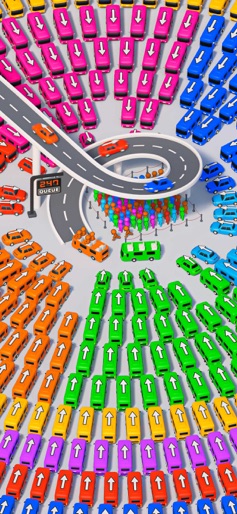
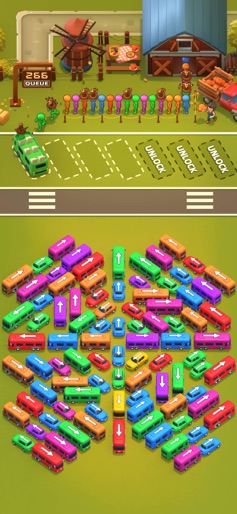
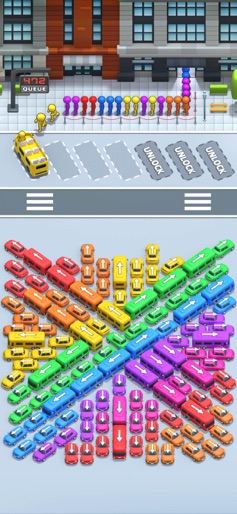
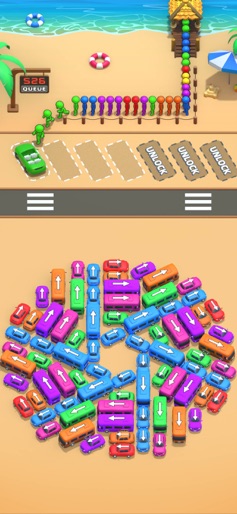
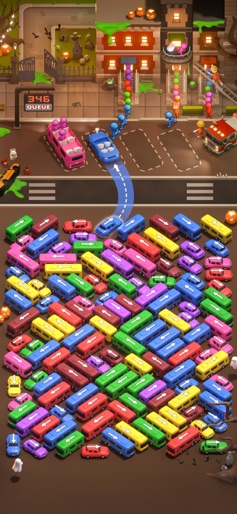
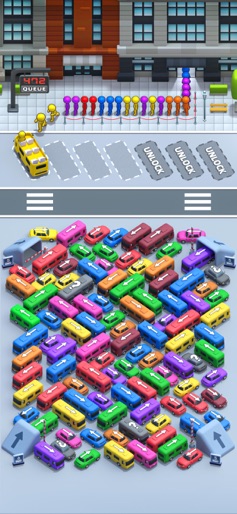
Buckle up for an exhilarating journey with Car Jam! Put your puzzle-solving skills to the test as you navigate through a sea of cars, ensuring every passenger finds their perfect car. Your job is to get a variety of colorful cars and their passengers to the end. But it’s not as easy as it looks - these cars are all jammed into a tiny parking lot, and you’ll need to use your wits to figure out how to get them out and onto the road. It’s not all stress and frustration - Car Jam is designed to be fun and entertaining! The colorful graphics and catchy sound effects will keep you engaged, and the quick levels mean you can play for just a few minutes or for hours on end. It's time to show off your puzzle-solving skills and become the ultimate Car Jam champion! Car Jam VIP Auto-Renew (Weekly Subscription, Monthly Subscription) -- Payment: After the user confirms the purchase and payment, it will be charged to the iTunes account. -- Cancel Renewal: To cancel renewal, please turn off auto-renew at least 24 hours before the end of the current subscription period by going to your iTunes/Apple ID settings. -- Renewal: Apple’s iTunes account will charge the fee within 24 hours before the current subscription period ends. Upon successful payment, the subscription period will be extended for another cycle. -- Privacy Policy: https://mindscaplay.com/perfect/privacy.html -- Terms of Service: https://mindscaplay.com/perfect/xieyi.html
Create screenshots like Car Jam
Use FlyerBanana's free editor to create professional App Store screenshots inspired by Car Jam's design. 100+ templates, device frames, and one-click export.










