
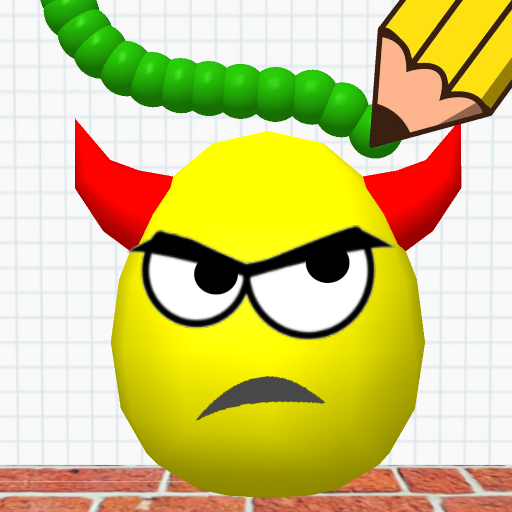
App Store Screenshots (5)


Design Analysis
Visual Design
Style: Custom
Key Features Shown
- •Free-form drawing
- •Physics-based destruction
- •Multiple targets (eggs)
- •Environmental obstacles (bricks, wheels)
App Insights
Target: Casual gamers and puzzle enthusiasts looking for quick, physics-based brain teasers and IQ challenges.
- •Interstitial Ads
- •Rewarded Video Ads
- •Banner Ads
ASO Keywords:
About Draw To Smash - Draw Puzzle
Passionate about brain teasers? Want to challenge your logical skills? Then take a look at Draw To Smash — a logic puzzle game in which you should draw a line, scribbles, figures or doodles to smash all the bad eggs. Draw To Smash is an amusing logic game that will test your IQ and raise your intellectual abilities to a new level. Plan every step, estimate a possible outcome and build tactical strategies. Solve logical puzzles, pass interesting levels and open bonus levels. Сollect golden keys — use them to open the treasure chest. Gold coins and skill stars will be inside. These stars will help you to increase your rating in the game. The more you play, the more stars you have and the higher your rating is. Train your brain and pass the way from a beginner to a guru in the world of teasers and physics games. Joyful music and fun voices will cheer everyone up, and emotional faces won't leave anyone indifferent. You will never get bored with this game: it is constantly updated with interesting levels, characters and accessories for them. Take a break from the hustle and bustle of everyday life — have fun and enjoy.
Create screenshots like Draw To Smash - Draw Puzzle
Use FlyerBanana's free editor to create professional App Store screenshots inspired by Draw To Smash - Draw Puzzle's design. 100+ templates, device frames, and one-click export.

