
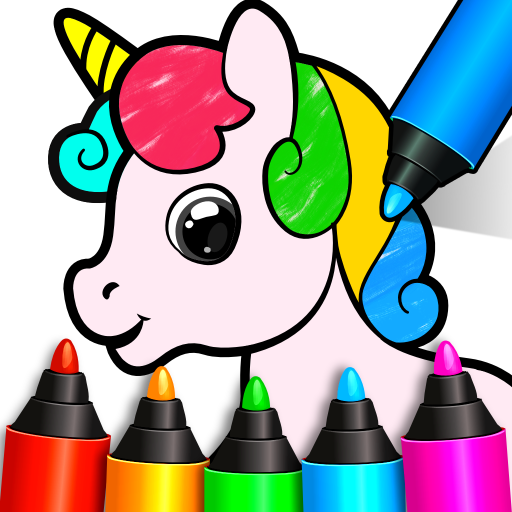
App Store Screenshots (10)





Design Analysis
Visual Design
Style: Custom
Key Features Shown
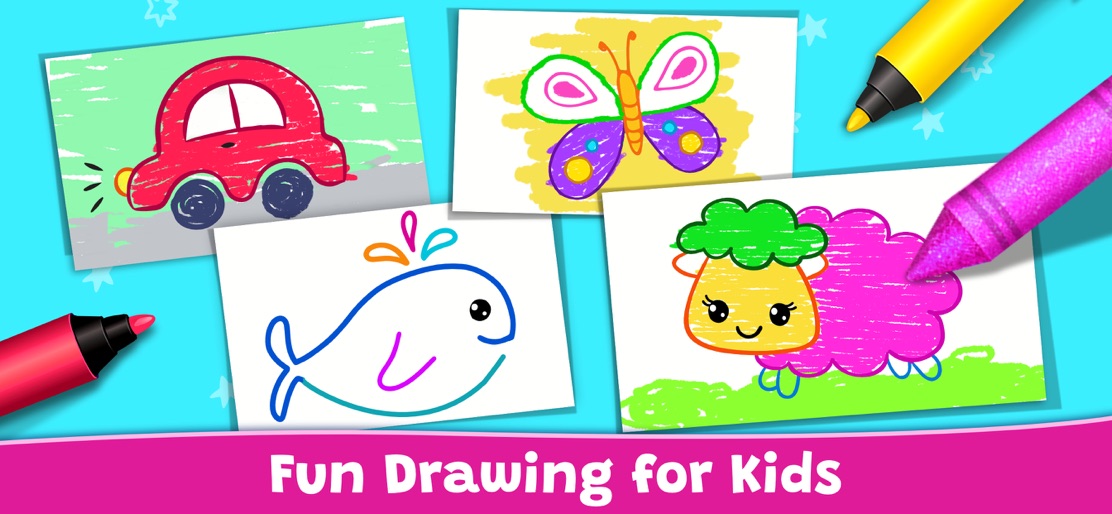
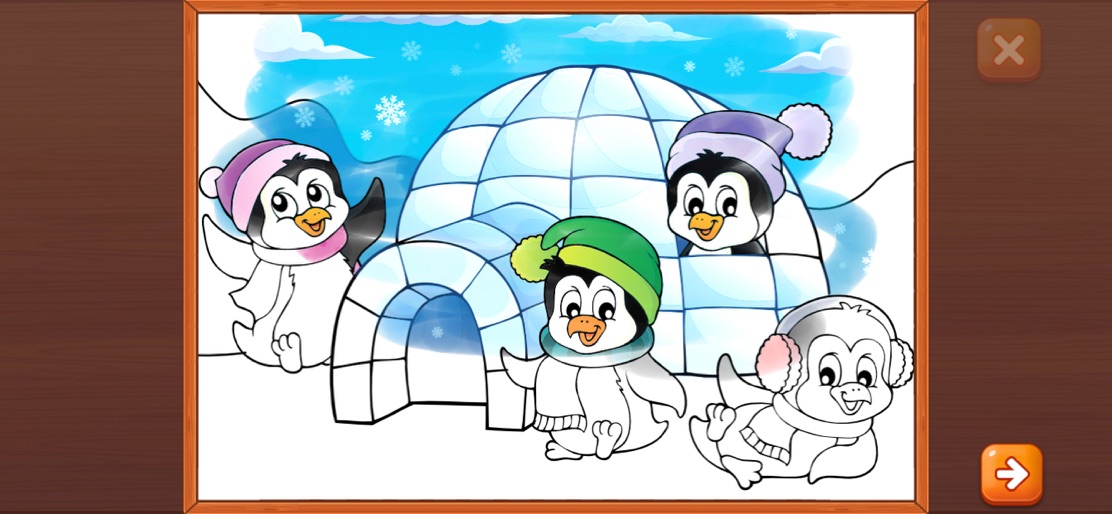
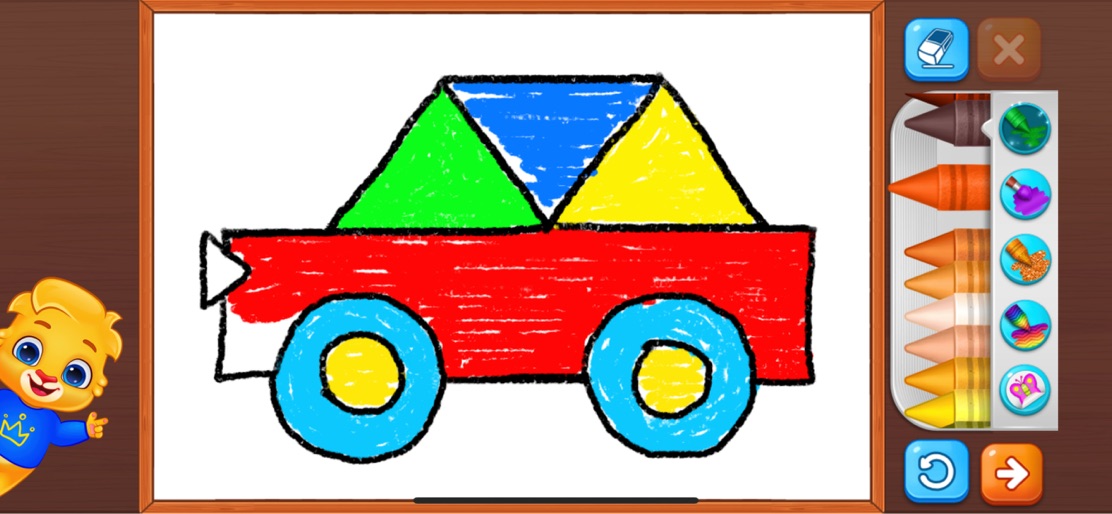
- •Step-by-step drawing tutorials
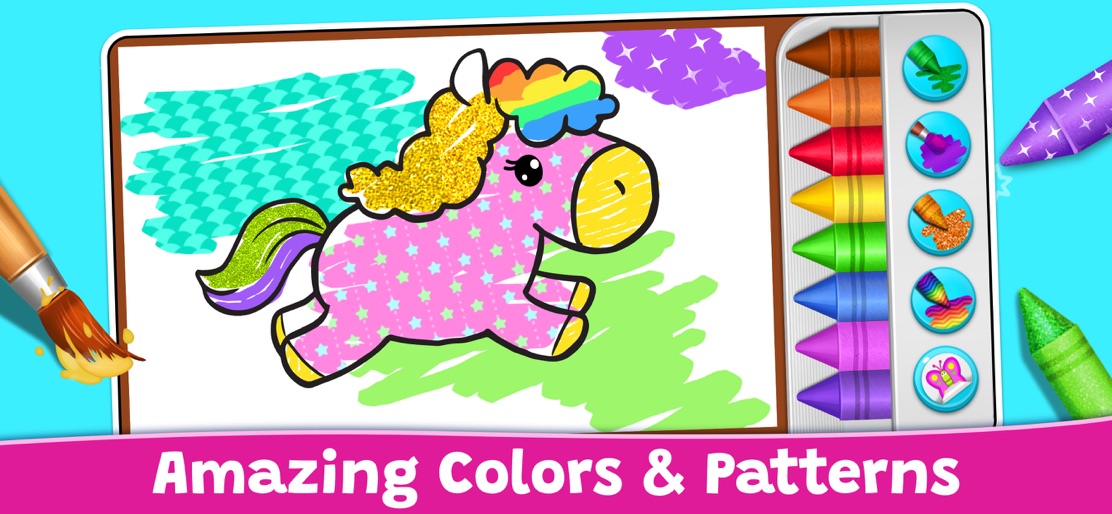
- •Pattern and glitter filling
- •Neon/Glow drawing mode
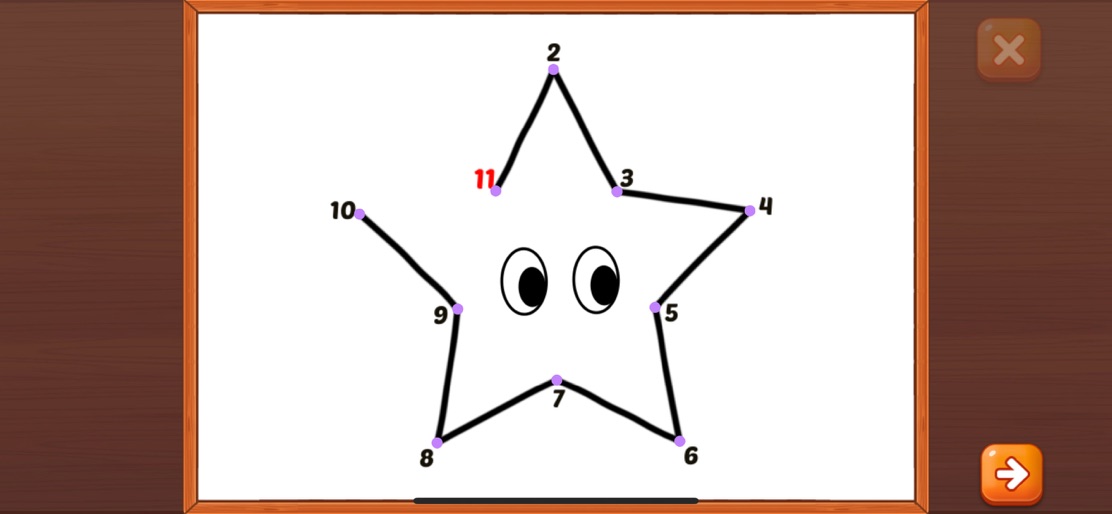
- •Connect the dots (numeracy)
- •Stickers and crayon variety
App Insights
Target: Parents of toddlers, preschoolers, and kindergartners (ages 2-6) looking for safe, ad-free educational content.
- •Loss-leader strategy
- •Brand ecosystem building
- •Cross-promotion of other RV AppStudios apps
ASO Keywords:
About Drawing Games: Draw & Color
30+ million kids use our educational apps with Lucas and Friends every month. Localized in 50+ languages, part of free educational apps with over 750 million downloads. Enjoy hours of fun with our collection of drawing games for kids. Kids learn to draw, get to connect the dots, even get to glow paint in our coloring book. Kids love to imagine and play, and parents love for their kids to learn. Why not do both with this interesting and creative educational app? Your children can enjoy fun and safe coloring and drawing games that teach shapes, numbers, picture recognition skills, and so much more. It's like having an interactive coloring book combined with a paint by numbers game, and it's all free! Children learn by doing, and drawing activities makes it easy for them to sit down and start having fun. Drawing apps allow children to express their emotions and build confidence through painting, coloring. Toddlers will have a great time playing with the drawing and tracing modes, while preschoolers and kindergartners will love the simple but smart memory and coloring games. Our drawing apps for kids have has something for all kids, and best of all, they can learn everything for free! Drawing Games comes with these fun educational modes: • Learn to Draw - Children will learn step by step how to draw the picture. • Auto Draw - A simple mode for toddlers to watch painting and colored in. • Connect & Color - Connect the dots and watch as the picture is colored in. • Connect the Dots - Draw a picture by connecting the dots with lines. • Memory Drawing - A line appears and quickly vanishes. Your child can then draw it from memory! • Glow Paint - Have fun with glowing paint colors! This amazing coloring game has loads of beautiful pictures to draw and color. Our stickers, crayons, and glowing pens keep kids happily engaged for hours. Children get to learn picture recognition with drawing, coloring, and painting activities. Drawing for kids engages them creatively, with so many fun modes that children will learn and grow with Drawing games from RV AppStudios. There are no in-app purchases, and no ads, no paywalls to ensure kids are not distracted. Download today and start your child's drawing journey with this fun coloring game.
Create screenshots like Drawing Games: Draw & Color
Use FlyerBanana's free editor to create professional App Store screenshots inspired by Drawing Games: Draw & Color's design. 100+ templates, device frames, and one-click export.
More Creativity Apps
View all

Craftsman: Building Craft
Creativity


Video Editor & Maker - InShot
Creativity


Color by Number:Coloring Games
Creativity


Picsart AI Photo Editor, Video
Creativity


Filmora: AI Video Editor&Maker
Creativity


GoPro Quik
Creativity