
App Store Screenshots (10)



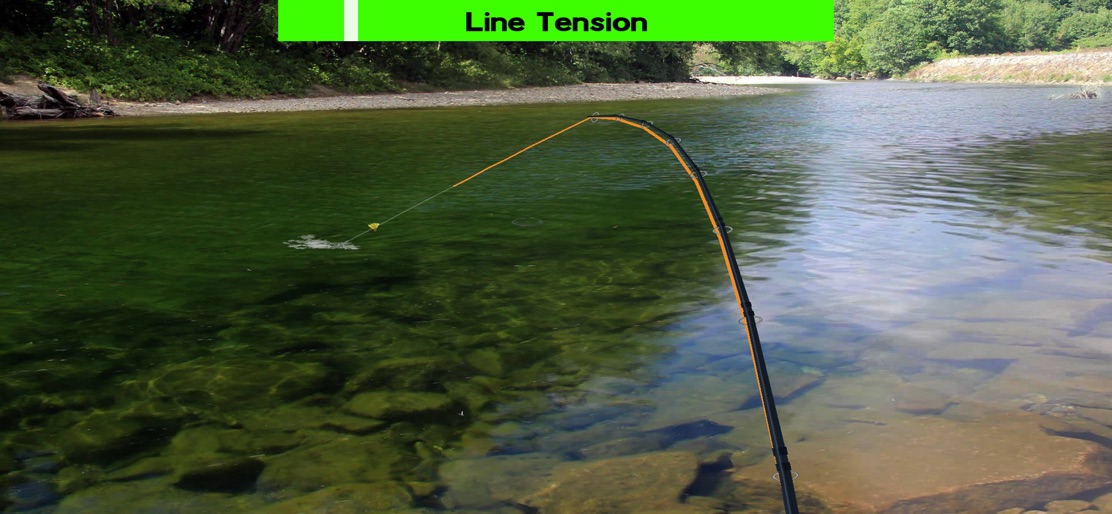


Design Analysis
Visual Design
Style: Custom
Key Features Shown
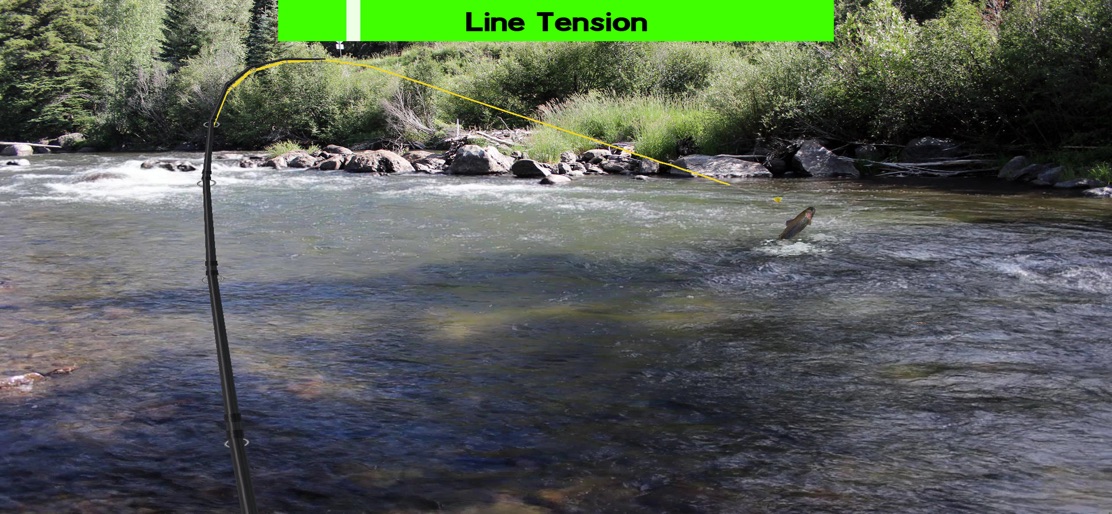
- •Line Tension Indicator
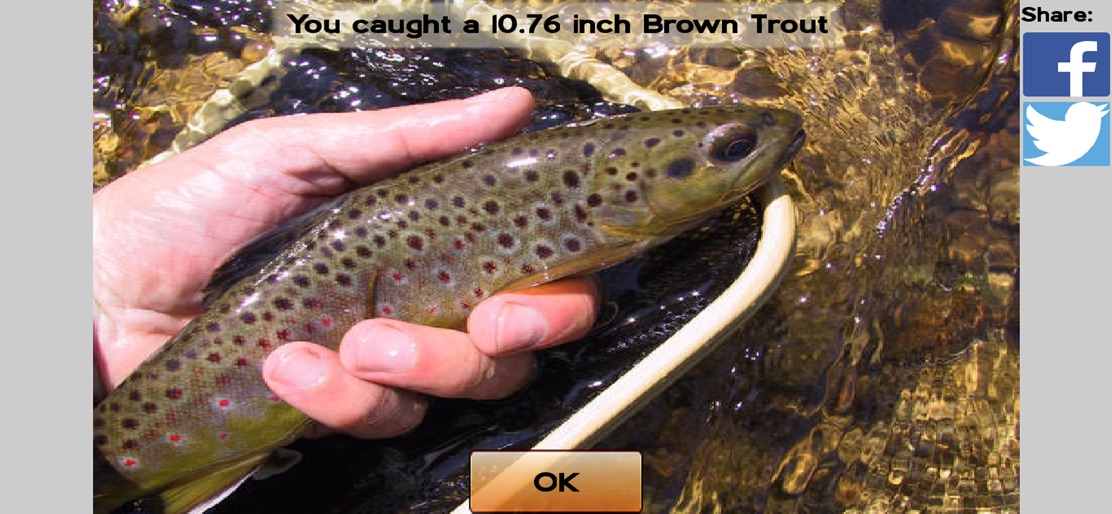
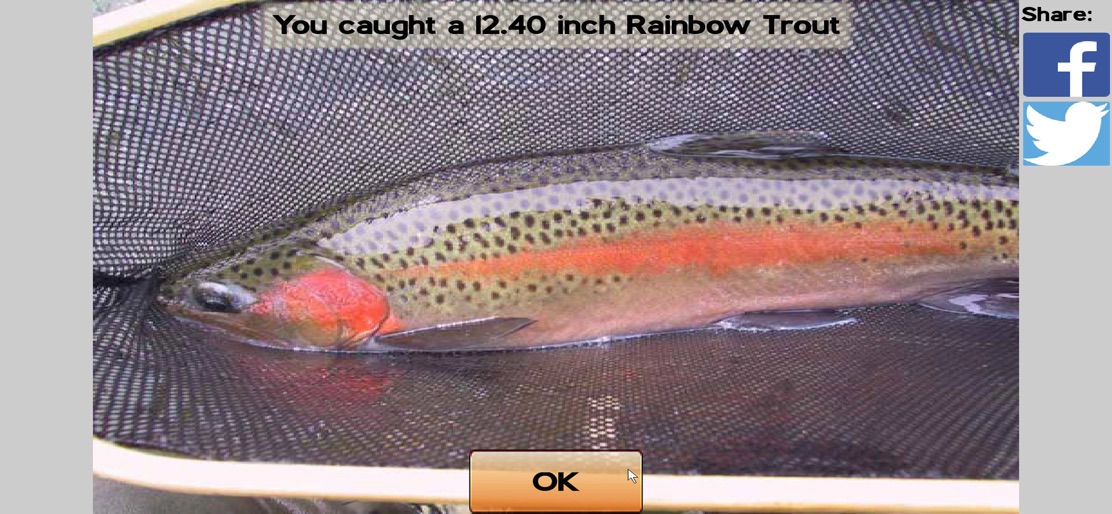
- •Species Identification
- •Social Sharing
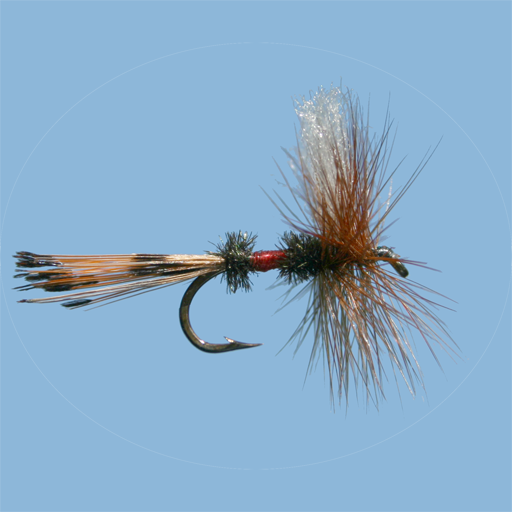
- •Fly Box Management
- •Hatch Checking
App Insights
Target: Fishing enthusiasts, specifically fly fishing hobbyists who value realism, technical fly tying, and photographic environments over arcade-style gameplay.
- •In-App Purchases (Individual Rivers)
- •In-App Purchases (River Packs)
- •Premium/Complete Package (One-time purchase)
- •Subscription (indicated in reviews but description suggests one-time purchase)
ASO Keywords:
About Fly Fishing Simulator
Realistic fly fishing on hundreds of rivers and streams: Fly Fishing Simulator HD brings sharper graphics, custom flies and all new fishing locations to the highly popular Fly Fishing Simulator This is a first-person, photographic simulation of the sport of fly fishing. This fishing game features: - Realistic casting with direct rod and line control - Detailed 3D fly tying feature, letting you create your own fly patterns - Download flies and publish your own creations in the community - Realistic current, fish feeding behavior, and fish fighting physics - Start with some basic gear, then unlock more rods, leaders and flies by catching fish - More than 160 fly patterns including modern and classic dry flies, nymphs, streamers, terrestrials and more - Hatch check feature lets you examine insects and other food items the fish may be feeding on - A wide variety of realistic prey to match including mayflies, caddis flies, stoneflies, nymphs, midges, crayfish, etc - Various species of trout, plus steelhead, bass and panfish - A virtual fishing guide offering advice on casting, fly selection and more - A variety of rods and leaders - A great collection of photos shows you the fish you catch - Realistic feeding patterns and dry fly action - Strike indicators and split shot for subsurface fishing with nymphs, streamers, etc. - River creation system to shoot, map and publish more fishing waters The app includes the practice pond and six fishing sites on one trout stream. Over 200 rivers are available, each including 6 more fishing sites. You can purchase some rivers individually, in packs, or all with a single purchase of the Complete Package. The Complete Package immediately gives you access to all the rivers already published, including many exclusive to the Complete Package, plus any new rivers that may be released in the future. We respect the privacy of our customers. Our privacy policy is available at http://www.pishtech.com/privacy.html
Create screenshots like Fly Fishing Simulator
Use FlyerBanana's free editor to create professional App Store screenshots inspired by Fly Fishing Simulator's design. 100+ templates, device frames, and one-click export.
More Entertainment Apps
View all

YouTube
Entertainment


Spotify: Music and Podcasts
Entertainment


TikTok - Videos, Shop & LIVE
Entertainment


Pandora: Music & Podcasts
Entertainment


Shazam: Find Music & Concerts
Entertainment


Photo Lab Picture Editor & Art
Entertainment