

App Store Screenshots (5)
Design Analysis
Visual Design
App Insights
About Golden Farm
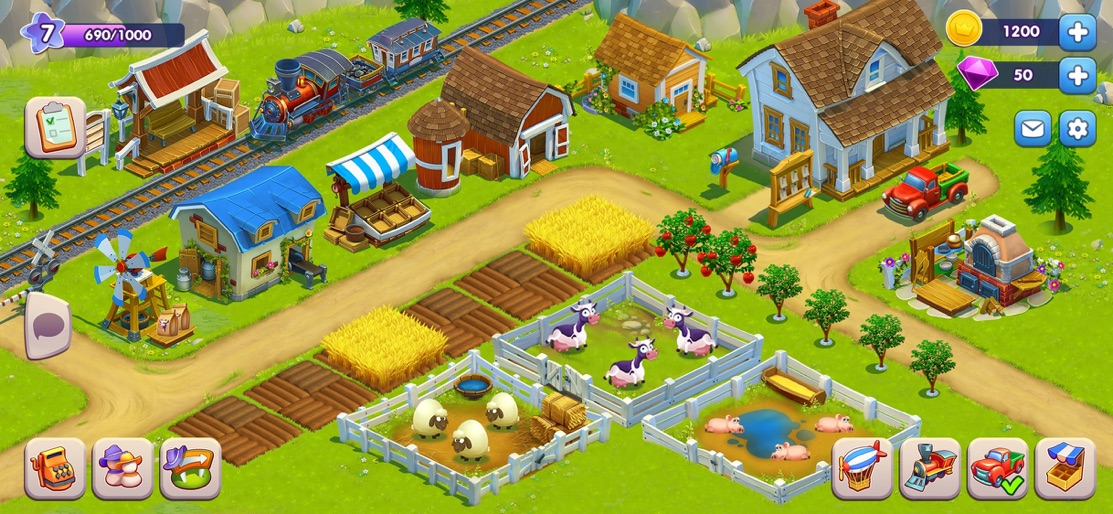
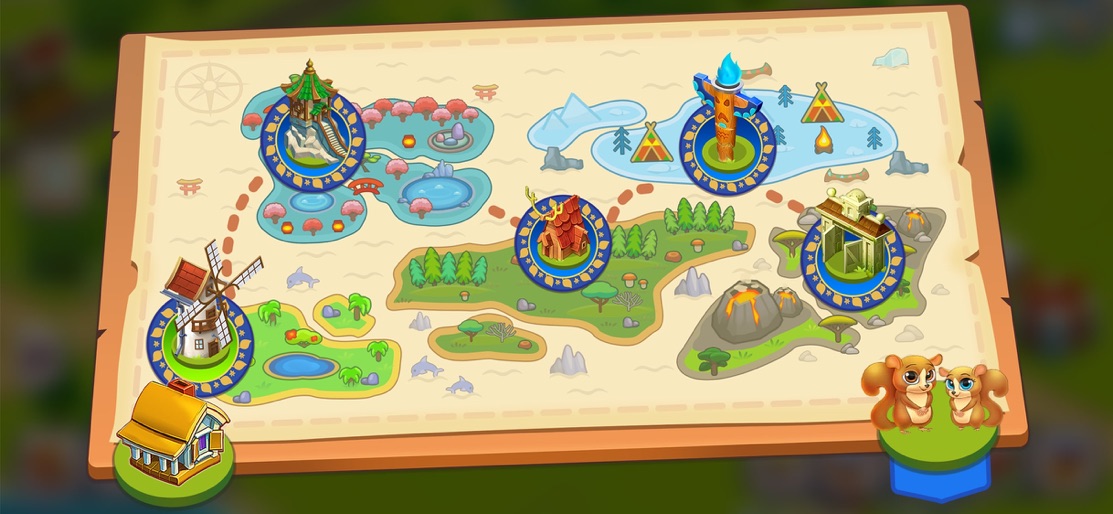
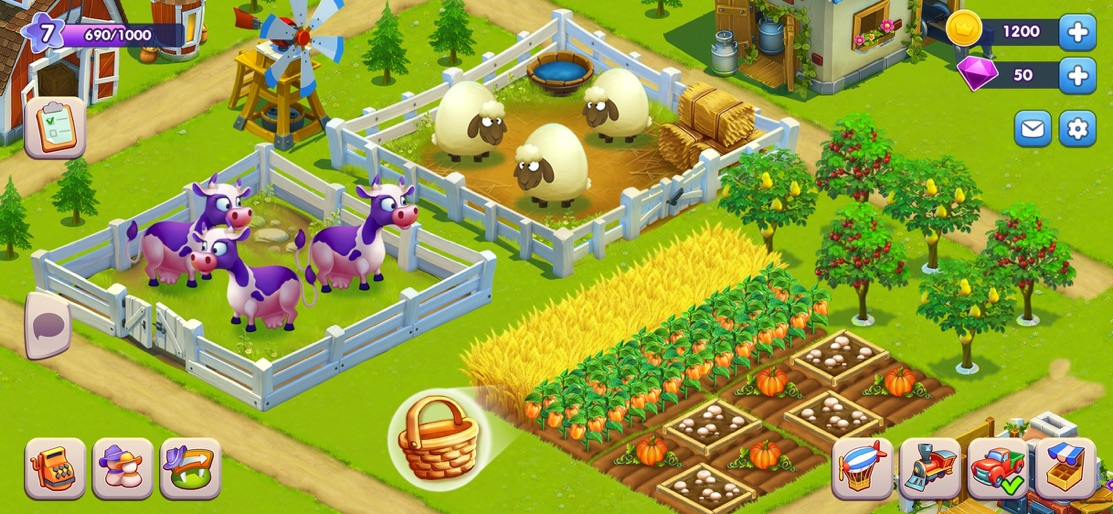
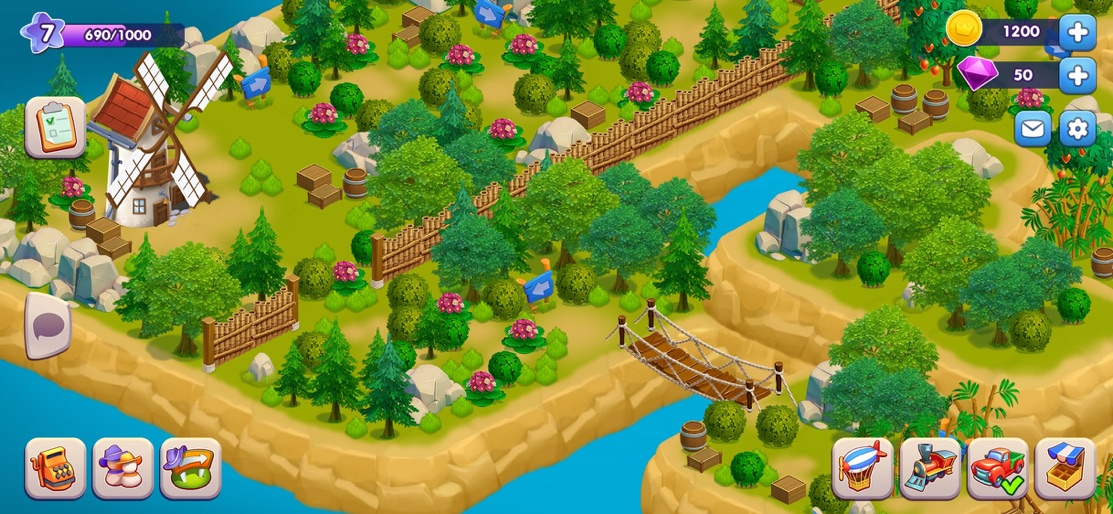
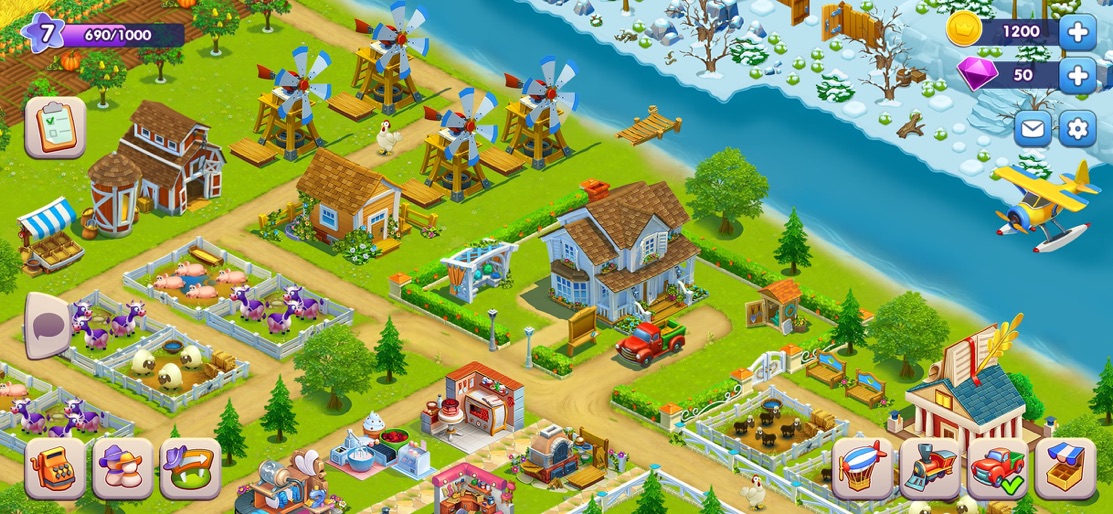
Hey! You had a busy day? We suggest you to get a farm game simulator. Create your village life with growing and selling harvest. Reconstruct buildings, grow animals. Widen the harvest land. Join the village family and become the top farmer. Golden Farm: game simulator for the whole family! Start the day in the village and finish as an idle farmer in the town. When the town surrounds you have a unique possibility to create your paradise - village land. Pick harvest, fruits, vegetables and animals every day. Hey, do not forget to sell your agricultural products in the town. * Build and upgrade farm buildings! * Grow fruit trees and plants in fields and gardens! * Breed animals: feed a chicken flock, milk a cow and shear sheep! * Explore diamond mines below the farm! * Produce and trade all sorts of goods: from dairy to jewelry! * Connect with locals! Add Facebook friends as neighbors, or make new friends in the family farm! * Compete with other farmers at the Fair of Achievements! * Manage a top grade delivery service: by car, train or even airship! * Customize your farm! Choose from tons of furniture, decor and flower items to make it look trendy! * Visit neighboring farms to find out whose grass is greener! * Get your daily serving of farming fun! Download and start your idle farming empire. Terms of Use: https://playgenes.com/docs/terms_of_service_en.html
Create screenshots like Golden Farm
Use FlyerBanana's free editor to create professional App Store screenshots inspired by Golden Farm's design. 100+ templates, device frames, and one-click export.









