

App Store Screenshots (5)


Design Analysis
Visual Design
App Insights
About Google One
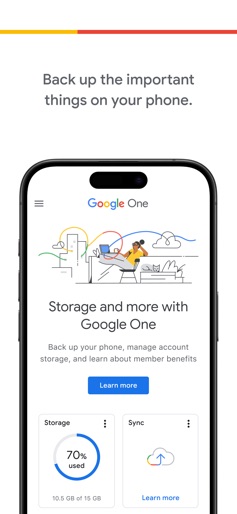
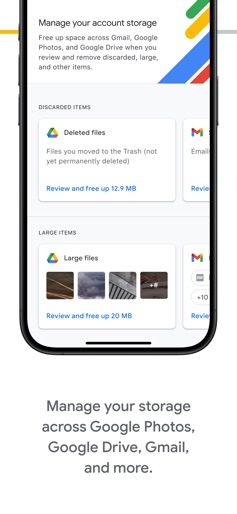
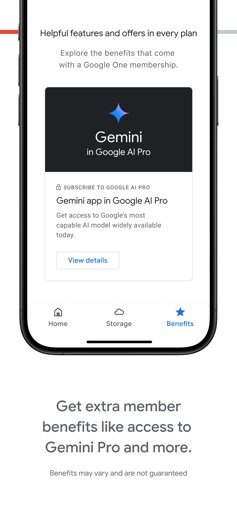
The Google One app lets you back up your phone and manage your Google account storage. • Back up the important things on your phone, like photos, contacts and messages using the 15 GB of storage that comes with a Google account. If you break, lose or upgrade your phone, you can have the peace of mind of knowing the stuff you care about is safe on the cloud. • See your storage across Google Drive, Gmail, Google Photos, and easily free up space within the app with the storage manager. Upgrade to a Google One membership to get even more: • Get as much storage as you need for your memories, projects and digital files. Choose the plan that works best for you.
Create screenshots like Google One
Use FlyerBanana's free editor to create professional App Store screenshots inspired by Google One's design. 100+ templates, device frames, and one-click export.
More Cloud Services Apps
View all

Cloud: 1 drive - more storage
Cloud Services


Sophon - Secure Cloud Storage
Cloud Services
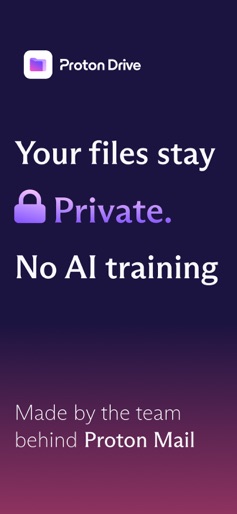
Proton Drive: Cloud Storage
Cloud Services


MobiDrive Cloud Storage & Sync
Cloud Services


CloudMoon - Cloud Gaming
Cloud Services


JioCloud - निजी क्लाउड स्टोरेज
Cloud Services