
App Store Screenshots (6)


Design Analysis
Visual Design
App Insights
About Habit Tracker - HabitKit
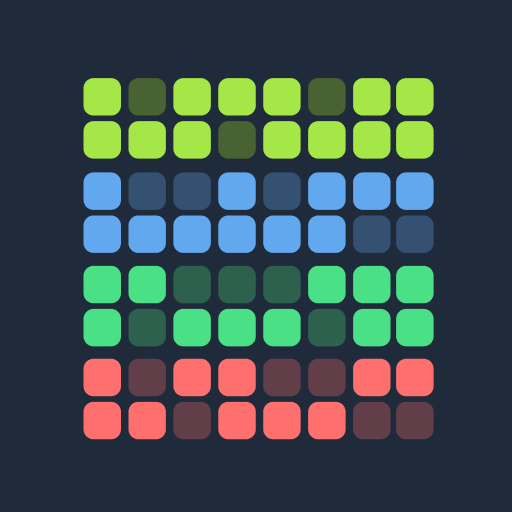
HabitKit is the perfect app for anyone looking to form new habits or break old ones. With HabitKit, you can track your progress with beautiful tile-based grid charts. Whether you're trying to quit smoking, eat healthier, or exercise more, HabitKit can help you achieve your goals. You can customize your dashboard by adjusting colors, icons and descriptions. Draw motivation from growing the amount of colored tiles on your habit dashboard. --- CREATE HABITS Add your habits you want to track in a fast and easy way. Provide a name, description, icon and color and you're good to go. DASHBOARD All your habits are displayed on your dashboard represented by a cool looking grid chart. Every filled out square show a day where you kept up with your habit. CALENDAR The calendar provides a fast and easy way to manage past completions. Simply tap a day to remove or add a completion. ARCHIVE Do you need a break from a habit and don't want to clutter your dashboard with it? Just archive it and restore it at a later point from the menu. IMPORT AND EXPORT Switching phones and don't want to lose your data? Export your data to a file, save it wherever you want and restore it at a later point of time. PRIVACY FOCUSED All your data belongs to you and stays on your phone. No sign-in. No servers. No cloud. --- Terms of Use: https://www.habitkit.app/tos/ Privacy Policy: https://www.habitkit.app/privacy/
Create screenshots like Habit Tracker - HabitKit
Use FlyerBanana's free editor to create professional App Store screenshots inspired by Habit Tracker - HabitKit's design. 100+ templates, device frames, and one-click export.
More Health & Fitness Apps
View all

Flo Cycle & Period Tracker
Health & Fitness


CVS Health
Health & Fitness


Clue Cycle & Period Tracker
Health & Fitness


Headspace: Meditation & Sleep
Health & Fitness


Noom Weight Loss, Food Tracker
Health & Fitness


Impulse - Brain Training
Health & Fitness