

App Store Screenshots (5)

Design Analysis
Visual Design
App Insights
About inReverse - Backwards Karaoke
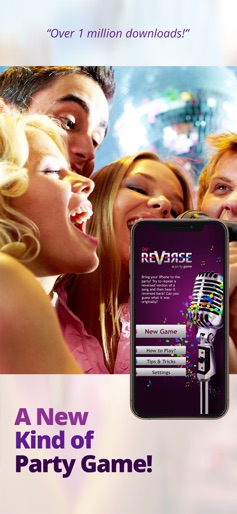
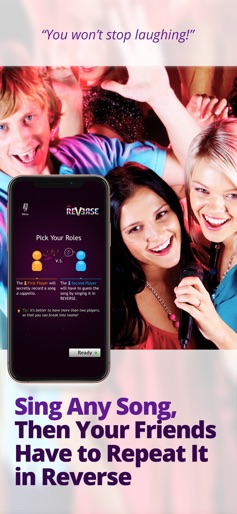
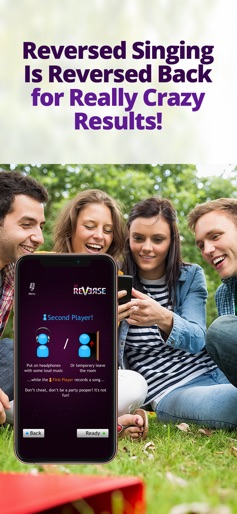
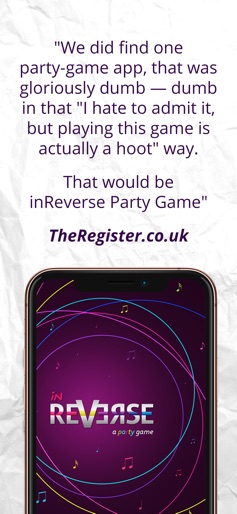
Bring your iPhone or iPad to the party or start one wherever you are. The game is based on a popular Russian TV show, where you have to sing backwards! THE FIRST TRULY UNIQUE PARTY GAME! Watch our lame demo video at http://inreverse.me or read the reviews if you don't believe this can be funny! TRY BEFORE YOU BUY Enjoy fully functional version of inReverse Party Game for free. In the full version: - No banners. - Default fragment length from 1 to 7 seconds. - Make longer recordings, up to 18 fragments. - Use your music for suggestions. HOW TO PLAY 1. Every game round involves two players, but if you have more people you can break into teams and change team every round. 2. The First Player secretly records a short fragment of a song a capella while the Second Player is not listening. 3. The Second Player listens to the recorded a cappella in reverse and tries to guess the song at once. 4. If the Second Player can’t guess it, then he tries to repeat the reversed version by recording it fragment by fragment. 5. When all fragments are recorded, Second Player listens to them all together reversed back and makes his final guess! If he has repeated fragment close enough he should hear the original song. Or something very similar! Check out http://inreverse.me to watch a demo video and to leave your feedback. Share your tips and game rules variations with everyone!
Create screenshots like inReverse - Backwards Karaoke
Use FlyerBanana's free editor to create professional App Store screenshots inspired by inReverse - Backwards Karaoke's design. 100+ templates, device frames, and one-click export.
More Entertainment Apps
View all

YouTube
Entertainment


Spotify: Music and Podcasts
Entertainment


TikTok - Videos, Shop & LIVE
Entertainment


Pandora: Music & Podcasts
Entertainment


Shazam: Find Music & Concerts
Entertainment


Photo Lab Picture Editor & Art
Entertainment