

App Store Screenshots (6)

Design Analysis
Visual Design
App Insights
About Keno Bonus Play
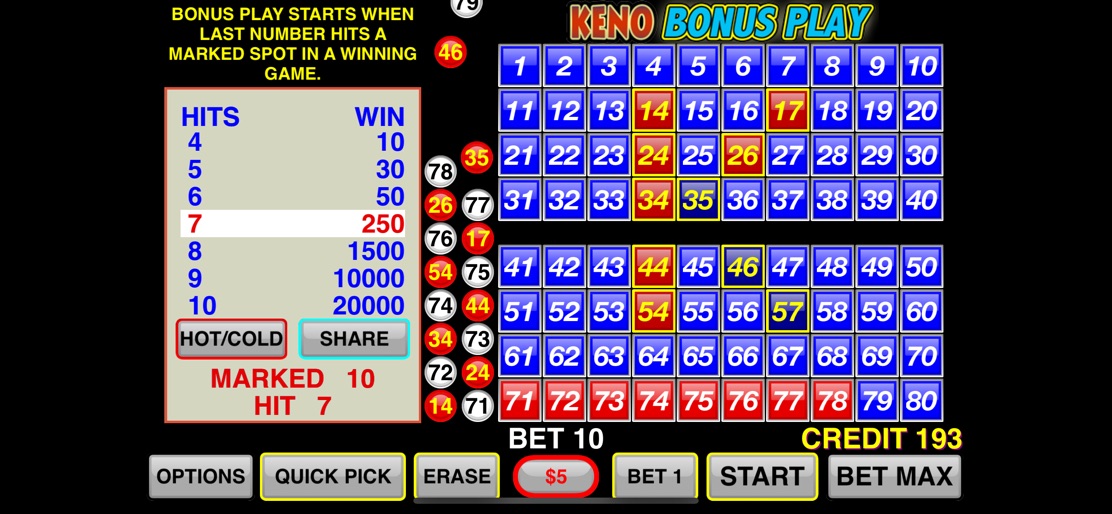
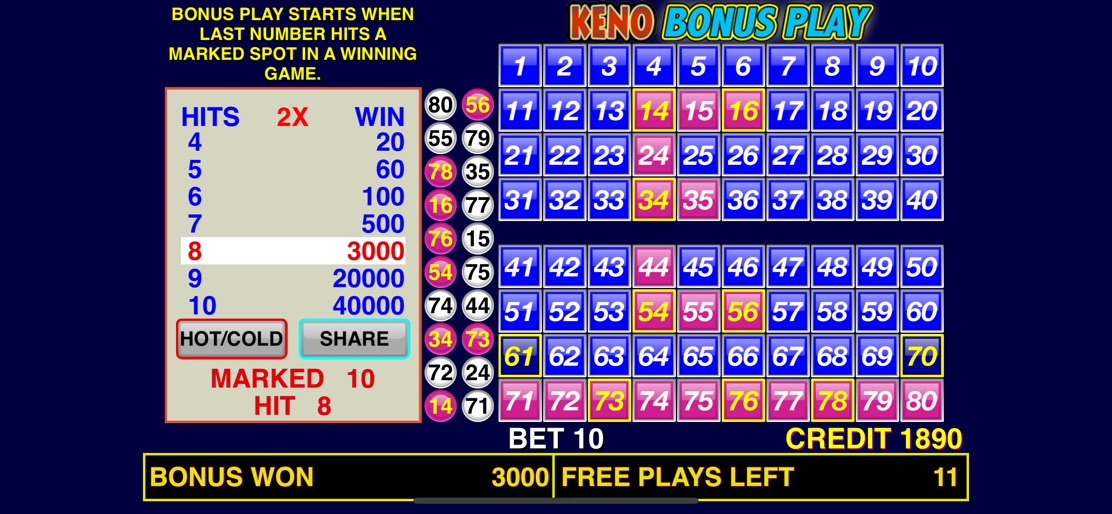
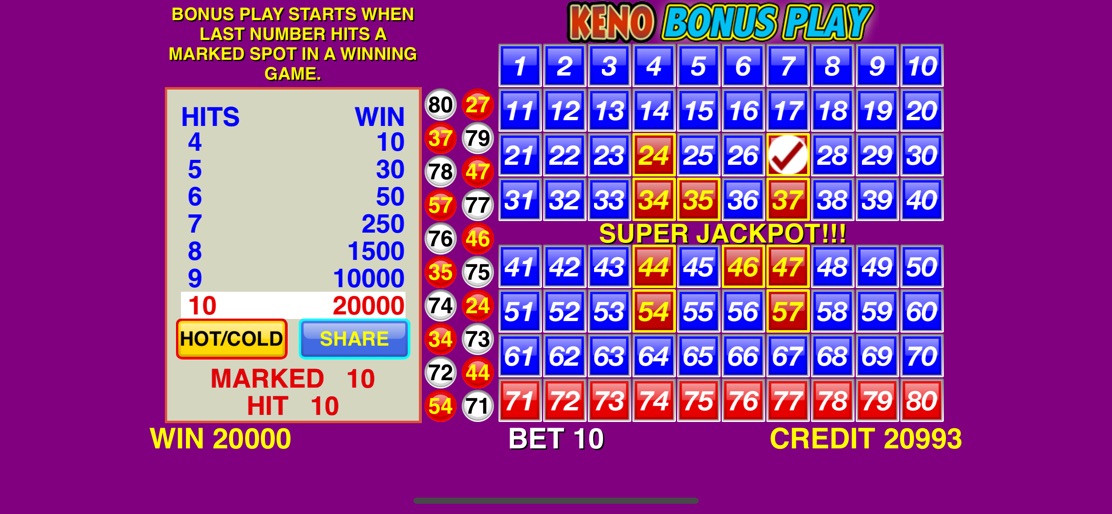
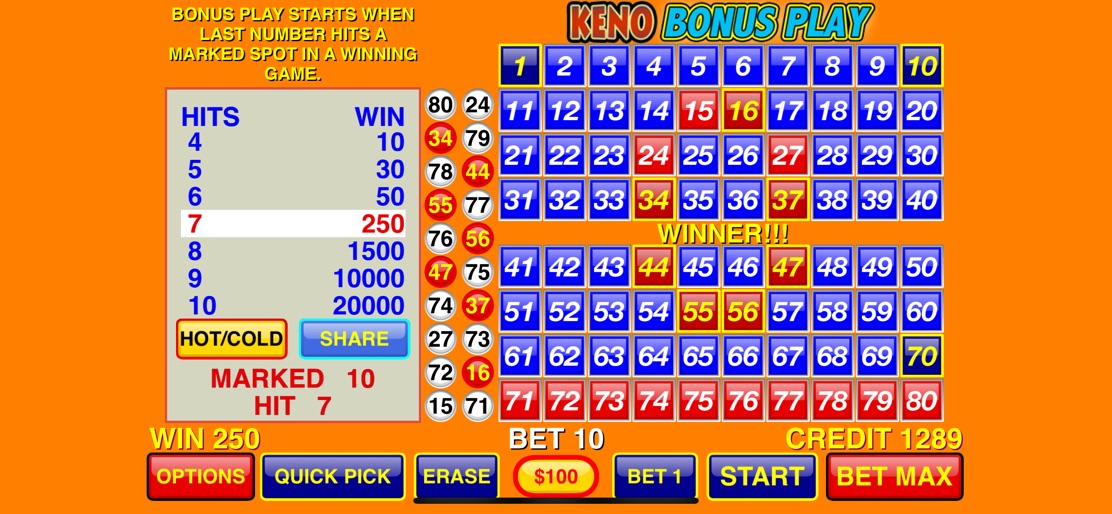
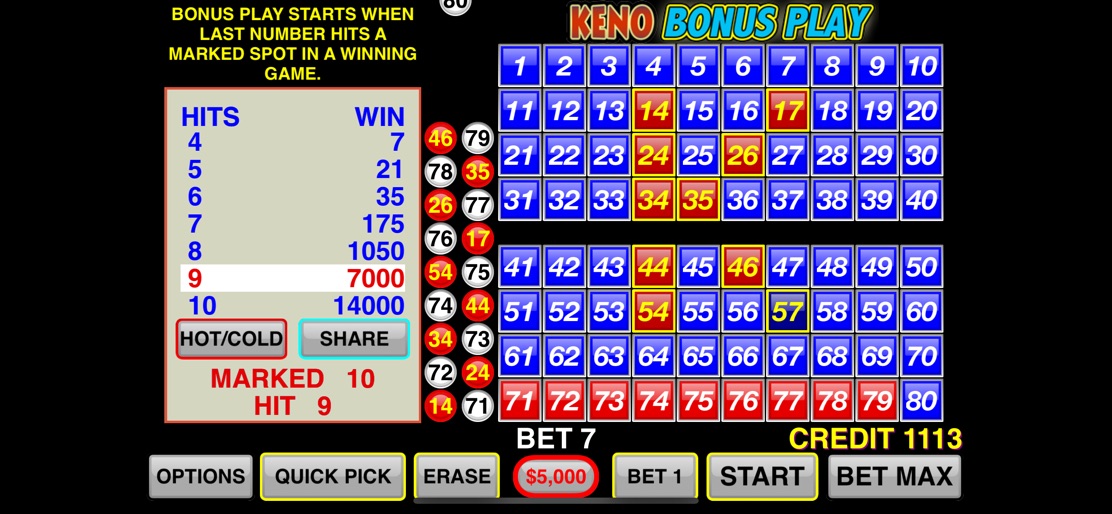
*** Cleopatra Keno!!! *** *** 12 FREE PLAYS! *** *** DOUBLE THE PAY! *** Free bonus play starts when last number hits a marked spot in a winning game! Bonus play gives you 12 FREE PLAYS! And pays DOUBLE! HOT!!! New Features: * - To enable SUPER PICK button, touch the H/C Button (HOT/COLD) * - You can now pick HOT or COLD numbers or a Random of those. * - Take screen shots of big wins in Auto mode. Turn it on/off in the Options menu. * - Share your big winning screenshot! * - Play fast or slow. Choose your own speed in the Options menu. FREE game credits INCREASE each round up to 10 times! Features: * - Slot machine style KENO BONUS PLAY * - Casino grade random number generator! * - Just like in the casino! * - Keeps track of HOT and COLD numbers * - AUTO PLAY * - Quick Pick * - Free credits increase each round * - Not enough credits? Go to the credits store to buy more! * - Take a screenshot of your big wins! * - Gamecenter Leaderboard and Achievements! * - Hit 7,8, or 9 and enter the Jackpot Winners leader board in Game Center! * - But Hit 10 numbers and get inducted into the 10 HIT WONDER CLUB! · This game is intended for an adult audience and does not offer real money gambling or an opportunity to win real money or prizes. Practice or success at social gaming does not imply future success at real money gambling.
Create screenshots like Keno Bonus Play
Use FlyerBanana's free editor to create professional App Store screenshots inspired by Keno Bonus Play's design. 100+ templates, device frames, and one-click export.
More Casino Apps
View all

Quick Hit Casino Slots Games
Casino


Bingo Blitz™️ - Bingo Games
Casino


DoubleDown™ Casino Vegas Slots
Casino


Slotomania™ Slots Casino Games
Casino


House of Fun™ - Casino Slots
Casino


Gold Fish Casino Slot Games
Casino