Kids Educational Game 5 icon

Kids Educational Game 5

pescAPPs

4.4(51 ratings)
Free
Create Screenshots Like Kids Educational Game 5

App Store Screenshots (5)
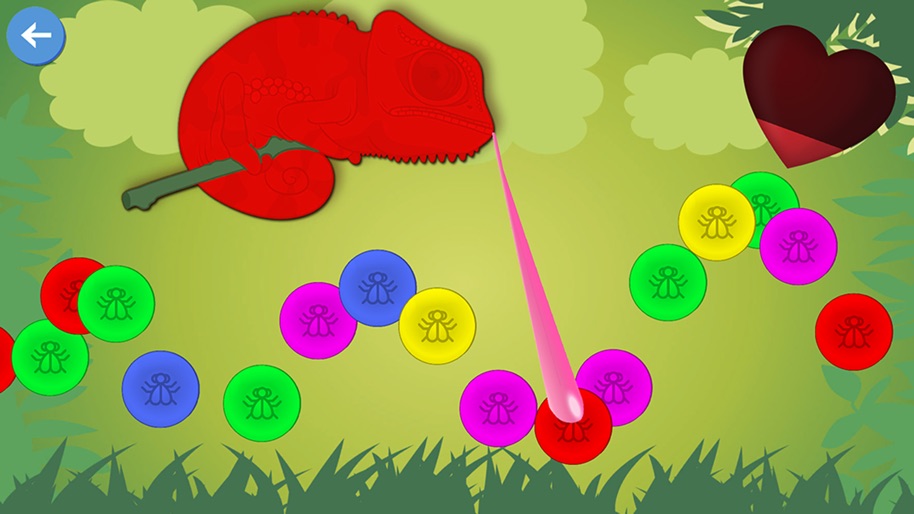
Kids Educational Game 5 screenshot 1
Kids Educational Game 5 screenshot 2
Kids Educational Game 5 screenshot 3
Kids Educational Game 5 screenshot 4
Kids Educational Game 5 screenshot 5

About Kids Educational Game 5

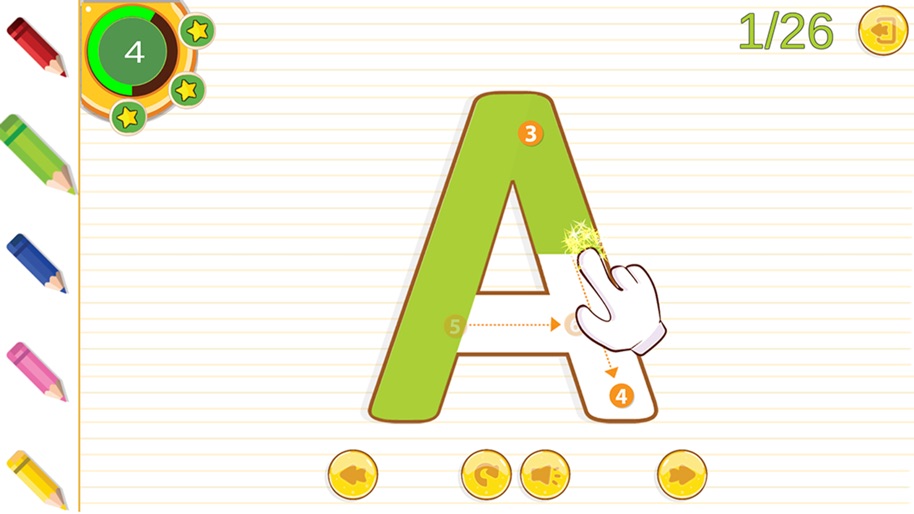
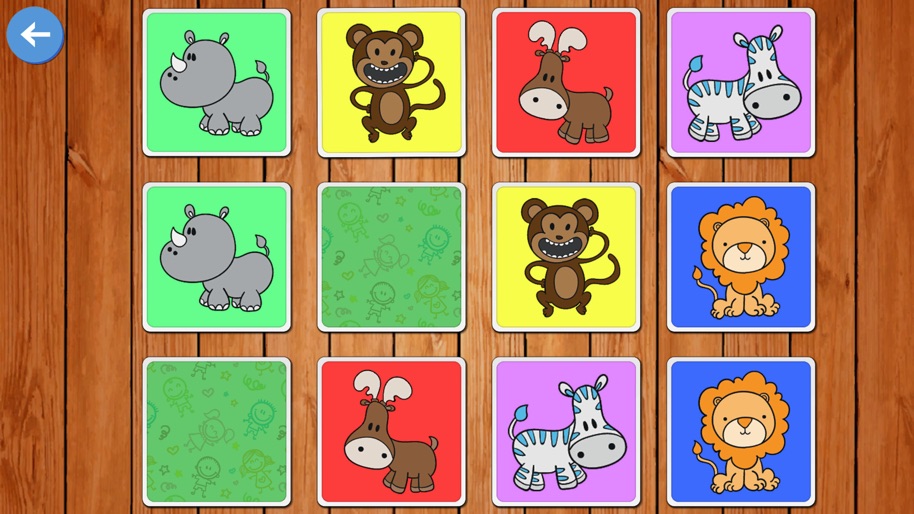
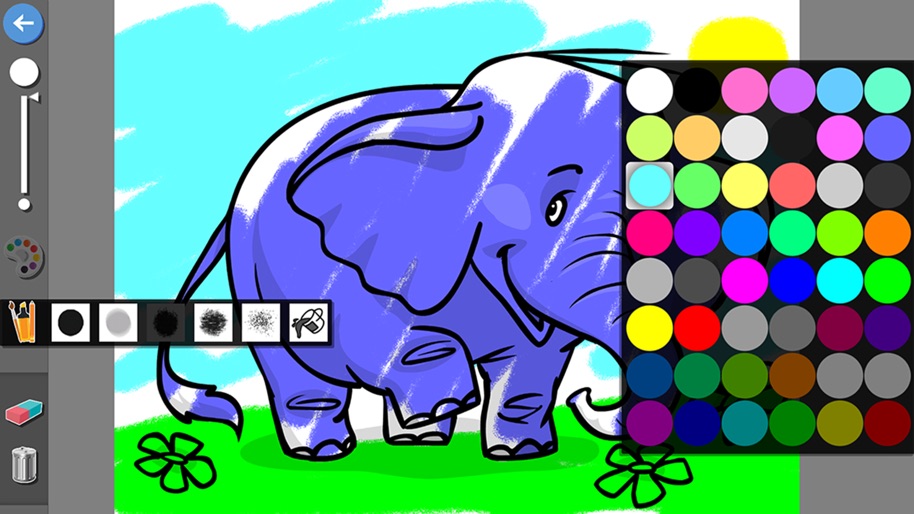
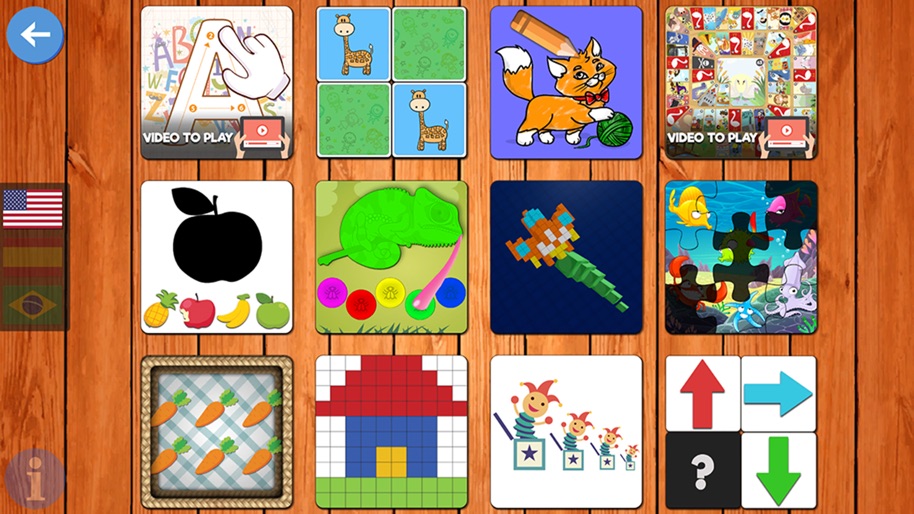
New pescAPPs educational game! This fun application contains 12 games designed for kids. In English, Spanish and Portuguese. With this game kids will learn: - The alphabet, draw letters - Improve their memory, logic and concentration - Distinguish shapes - Order by size - Solve logical patterns - Learn to paint and colors - Distinguish colors - Play table games - Solve logic paints - Count objects and the numbers - Solve puzzles - Motor skills and spatial vision. Perfect for preschoolers! Thank you for download pescAPPs games, with our games children can learn while having fun. If you have any questions or suggestions please contact us.

Create screenshots like Kids Educational Game 5

Use FlyerBanana's free editor to create professional App Store screenshots inspired by Kids Educational Game 5's design. 100+ templates, device frames, and one-click export.

Frequently Asked Questions

How can I create screenshots like Kids Educational Game 5?
You can create App Store screenshots inspired by Kids Educational Game 5 using FlyerBanana's free screenshot editor. Choose from 100+ templates, customize colors, text, and device frames, then export in all required sizes.
What screenshot sizes does Kids Educational Game 5 use?
Kids Educational Game 5 uses standard App Store screenshot sizes including 6.7" (1290×2796px), 6.5" (1284×2778px), and 5.5" (1242×2208px) for iPhones. FlyerBanana supports all required sizes with one-click export.
Can I use Kids Educational Game 5's screenshot style for my app?
Yes! While you shouldn't copy screenshots directly, you can use Kids Educational Game 5's design patterns as inspiration. FlyerBanana's templates let you create professional screenshots with similar layouts, color schemes, and visual styles.