

App Store Screenshots (8)
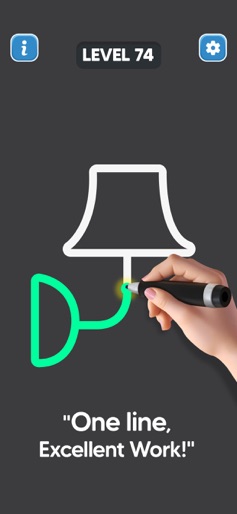

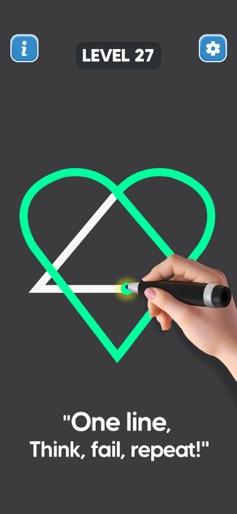


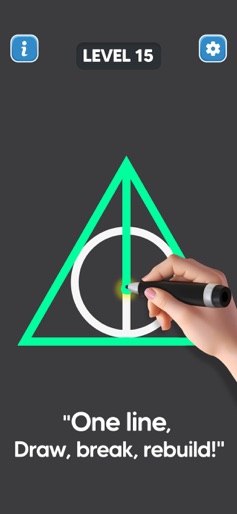

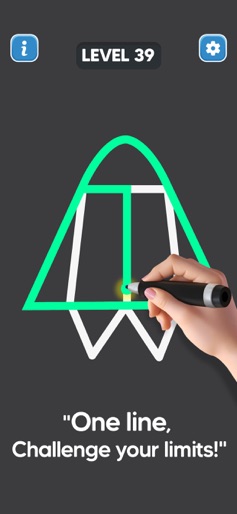
Design Analysis
Visual Design
Style: Custom
Key Features Shown
- •Single-stroke tracing
- •Level progression
- •Visual feedback (Neon green line)
- •Simple UI controls
App Insights
Target: Casual mobile gamers and puzzle enthusiasts looking for short-session brain teasers, primarily in emerging markets.
- •Interstitial Ads
- •Rewarded Video Ads
- •In-App Purchases (Remove Ads)
ASO Keywords:
About Line Drawing: No Lift Puzzle
Draw single line is a simple puzzle game in which you are required to completely draw the given image using one finger only. Rules of line drawing: no lift puzzle game: -Single Stroke: You must complete the drawing in one continuous motion. Lifting your finger or retracing a line is not allowed. -No Overlaps: Lines cannot cross or overlap each other. Every element must be connected without breaking the line. -Complete the Image: Every element of the image must be connected by your single line. Begin by tracing a line from the starting point. Be mindful of the path you choose, as there might be tricky sections. Visualize the entire drawing in your mind before starting. This will help you avoid dead ends or mistakes. If you find yourself stuck, try different paths or angles. Sometimes, a small adjustment can make a big difference. The game offers a variety of puzzles, ranging from simple to extremely complex. As you progress, the challenges will become more demanding, testing your skills and problem-solving abilities. Are you ready to put your virtual drawing skills to the test? Give Line Puzzle Drawing No Lift Game a try and see if you can master the art of the single-stroke puzzle!
Create screenshots like Line Drawing: No Lift Puzzle
Use FlyerBanana's free editor to create professional App Store screenshots inspired by Line Drawing: No Lift Puzzle's design. 100+ templates, device frames, and one-click export.










