
App Store Screenshots (9)


Design Analysis
Visual Design
App Insights
About MetaMask - Crypto Wallet
MetaMask is the world’s most secure and flexible crypto wallet. Trusted by over 100 million users to buy, sell, and swap digital assets, our industry-leading security protects every move you make. Get more out of crypto – Buy, sell, swap tokens directly in your wallet – Trade perps – Earn passive income from your assets – Discover the decentralized web – Try DeFi, buy meme coins, collect NFTs, explore web3 gaming, and more Crypto made easy – One wallet, many chains – Trade directly in your wallet – Choose from thousands of tokens – Connect to dapps across networks Advanced security protects you – Know what you’re signing before you transact – Live threat surveillance safeguards your wallet – Designed for privacy, control what you share – MEV and front-running protection Live support 24/7 – Around-the-clock support from our customer service experts SUPPORTED NETWORKS Ethereum, Linea, Solana, BSC, ZkSync, Base, Arbitrum, Avalanche, Polygon, Optimism, Sei, and more. SUPPORTED TOKENS Ether (ETH), MetaMask USD (mUSD), USD Coin (USDC), Tether (USDT), Wrapped Bitcoin (wBTC), Shiba Inu (SHIB), Pepe (PEPE), Dai (DAI), Dogecoin (DOGE), Cronos (CRO), Celo (CELO), and thousands more. Download MetaMask today
Create screenshots like MetaMask - Crypto Wallet
Use FlyerBanana's free editor to create professional App Store screenshots inspired by MetaMask - Crypto Wallet's design. 100+ templates, device frames, and one-click export.
More Crypto Apps
View all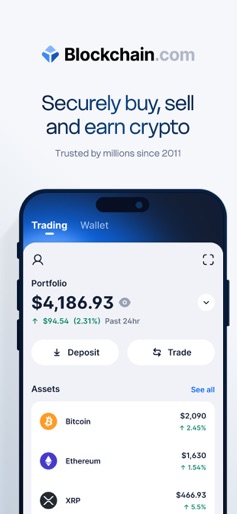

Blockchain.com: Buy Bitcoin
Crypto


Blockchain.com: Buy BTC, SOL
Crypto

CT Pool: Crypto Mining App
Crypto
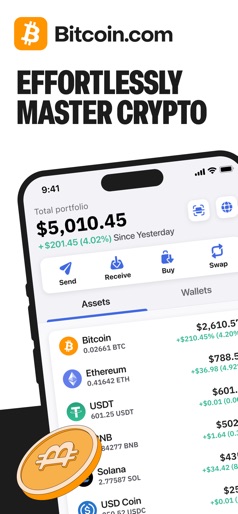

Bitcoin.com Wallet: Buy, Sell
Crypto
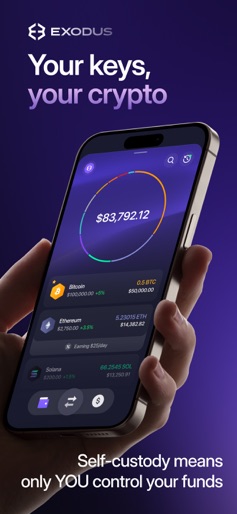

Exodus: Crypto Bitcoin Wallet
Crypto

GoMining: Mining, Using BTC
Crypto