

App Store Screenshots (8)

Design Analysis
Visual Design
App Insights
About Mureka - AI Song&Music Maker
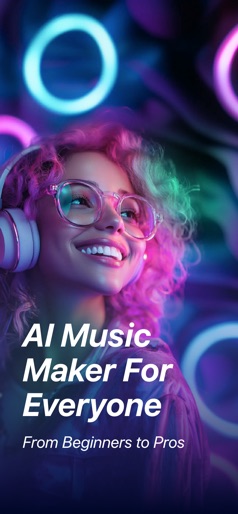
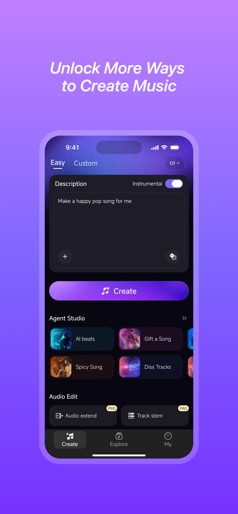
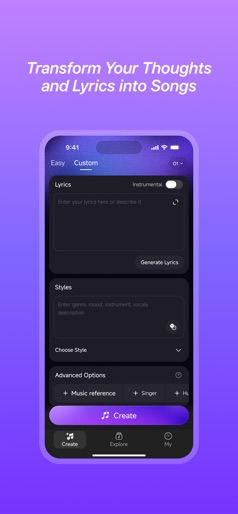
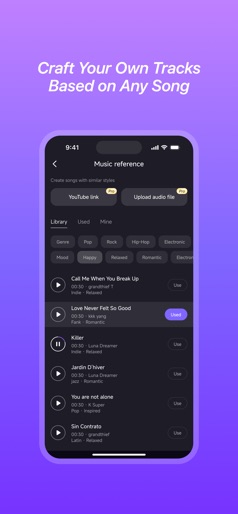
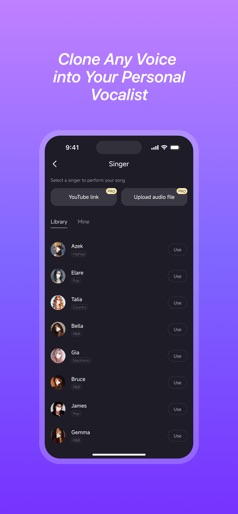
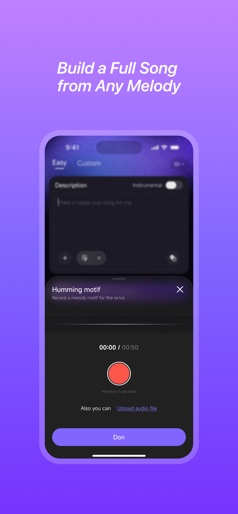
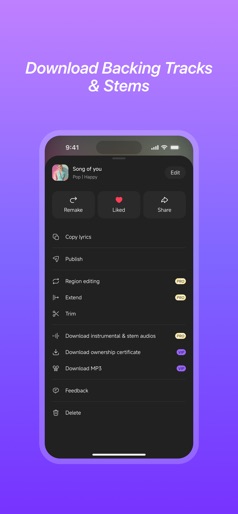
Mureka is the ultimate AI music generator, empowering you to effortlessly craft studio-quality tracks with consistent, professional vocals. Own 100% of your original creations and copyrights. Intuitive, user-friendly design makes music creation easy for everyone. Easy & Intuitive No musical background required—create lyrics and melodies with a few clicks. Everyone can be a musician! Fully Customizable Preferences From style and mood to instrument choices, fine-tune every detail to match your taste and craft music that’s truly yours. == Exclusive Features == Choose Your Lead Vocal Tone Pick from pre-built AI vocalists or clone any voice—set gender, texture, and character to design your signature sound. AI Style-Matching Generation Upload a favorite track and Mureka AI will instantly generate a new piece that mirrors its style and vibe. == Who Is Mureka For? == Music Enthusiasts: From beginners to pros, anyone can produce studio-level songs. Content Creators: Videos, podcasts, ads—get custom music fast and leave copyright worries behind. Songwriters & Producers: Spark inspiration for your next hit or rapidly produce high-quality demos. Start your music creation journey with Mureka today—your personal AI composition partner, unlocking limitless creative possibilities!
Create screenshots like Mureka - AI Song&Music Maker
Use FlyerBanana's free editor to create professional App Store screenshots inspired by Mureka - AI Song&Music Maker's design. 100+ templates, device frames, and one-click export.
More Creativity Apps
View all

Craftsman: Building Craft
Creativity


Video Editor & Maker - InShot
Creativity


Color by Number:Coloring Games
Creativity


Picsart AI Photo Editor, Video
Creativity


Filmora: AI Video Editor&Maker
Creativity


GoPro Quik
Creativity