

App Store Screenshots (8)


Design Analysis
Visual Design
App Insights
About Nightmare Story: Tricky Quest
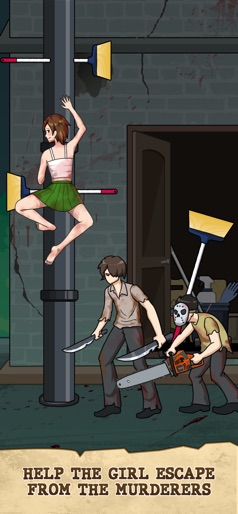
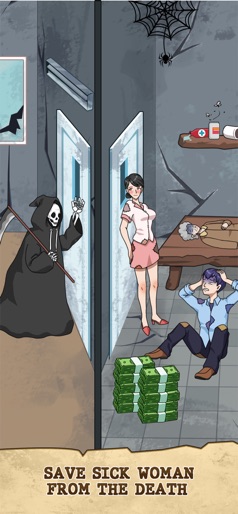
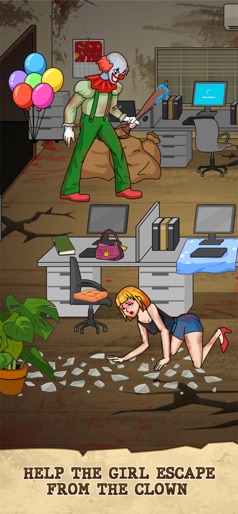
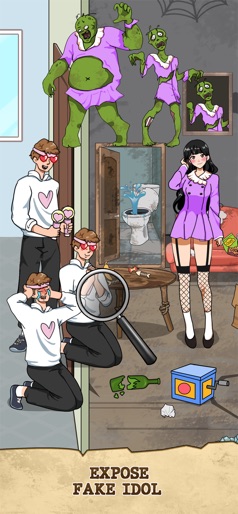
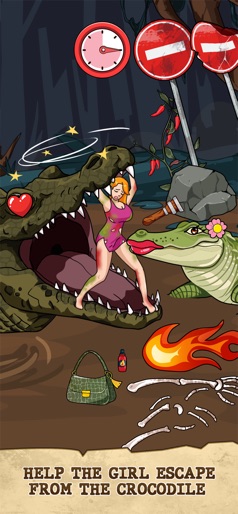
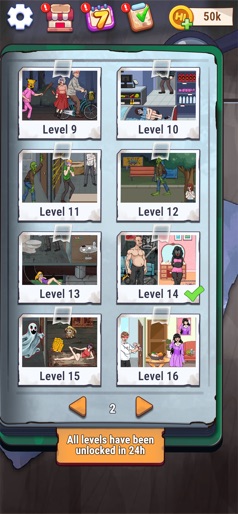
Ready to dive into an annoying world of challenges. Are you addicted to a journey of endless puzzles wrapped in a scary story? Every step forward, the creepiness grows, testing your patience and courage like never before. Welcome to Horror Story: Tricky Quest—a crazy, unpredictable journey with challenging questions, ridiculous answers, and unexpected, hilarious moments. To answer these bizarre puzzles, remember to always think outside the box, use smart strategies to find clever clues, and outsmart the pranksters. Features: - Unique and absurdly entertaining puzzles to solve. - Full of surprising moments you’ll never see coming. - Ideal for playing pranks on your friends. - Simple to play and easy to get addicted to. How to play: - Observe each scene and use your logic to discover the context. - Think outside the box and use creativity to overcome each challenge. - Solve every brain-teasing puzzle and become the master. Can you conquer the annoying puzzles and uncover the truth behind the scary story? Download Horror Story: Tricky Quest now and test your mettle!
Create screenshots like Nightmare Story: Tricky Quest
Use FlyerBanana's free editor to create professional App Store screenshots inspired by Nightmare Story: Tricky Quest's design. 100+ templates, device frames, and one-click export.
More Entertainment Apps
View all

YouTube
Entertainment


Spotify: Music and Podcasts
Entertainment


TikTok - Videos, Shop & LIVE
Entertainment


Pandora: Music & Podcasts
Entertainment


Shazam: Find Music & Concerts
Entertainment


Photo Lab Picture Editor & Art
Entertainment