App Store Screenshots (6)
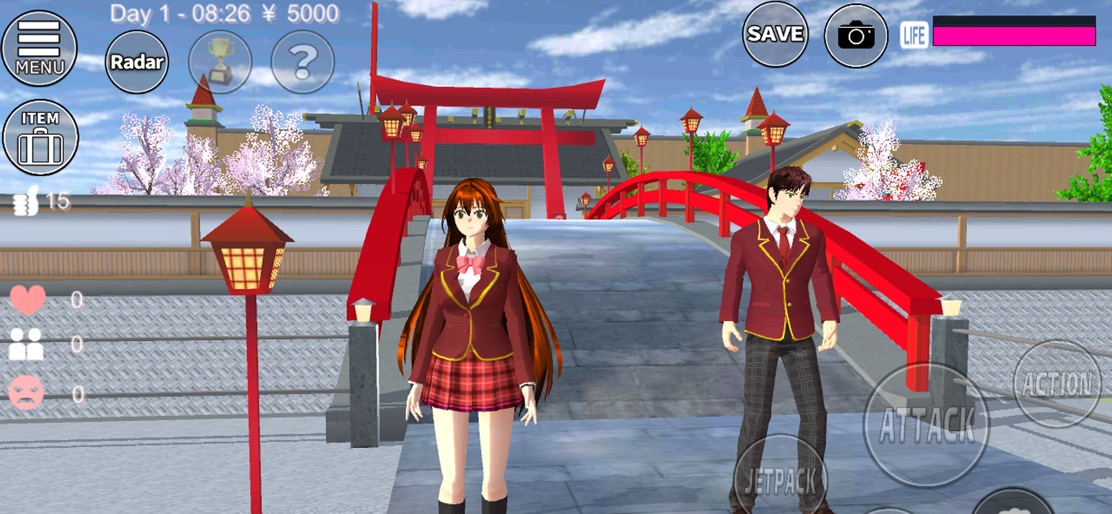

Design Analysis
Visual Design
Style: Custom
Key Features Shown
- •Open World Exploration
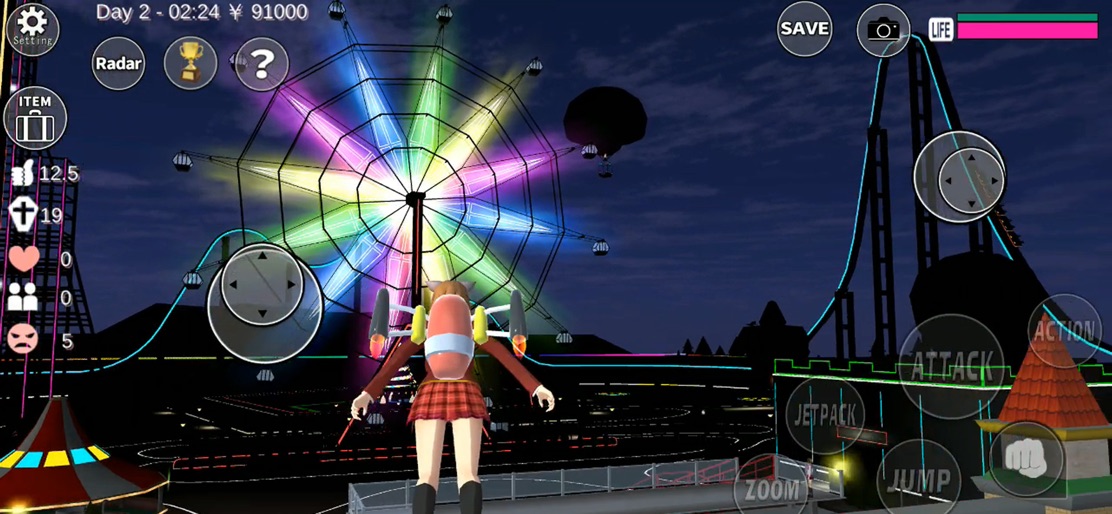
- •Jetpack Flight
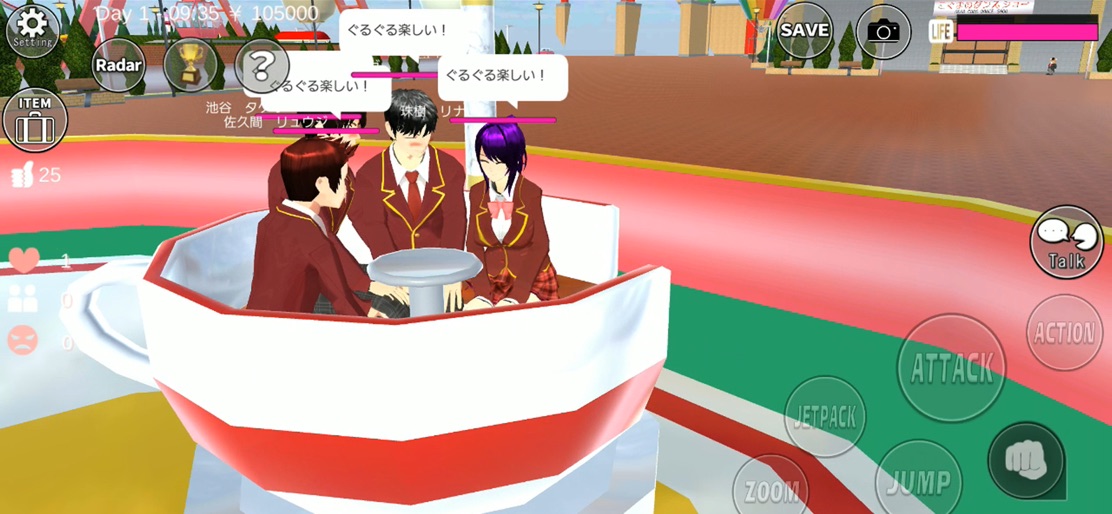
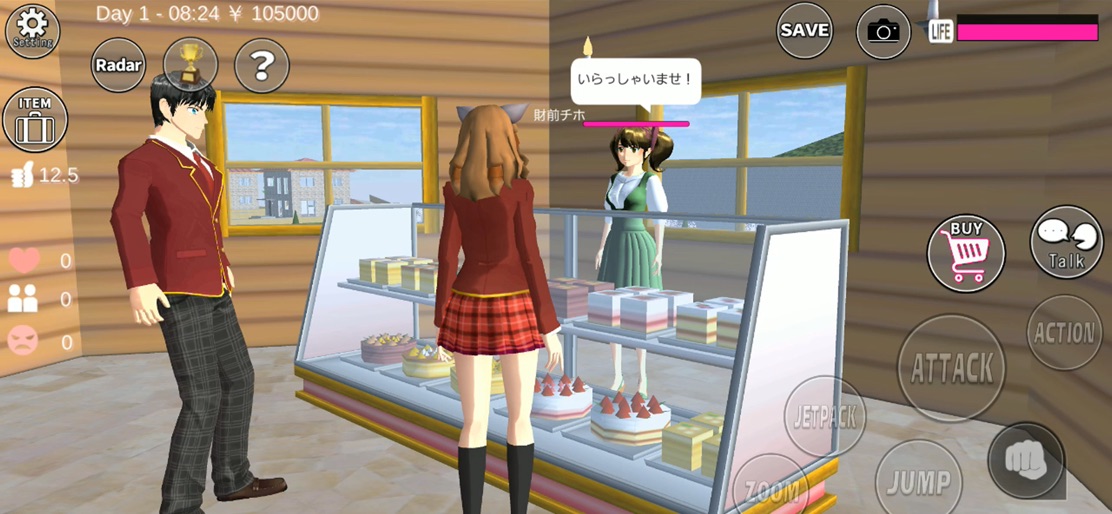
- •Social Interaction
- •Vehicle Driving
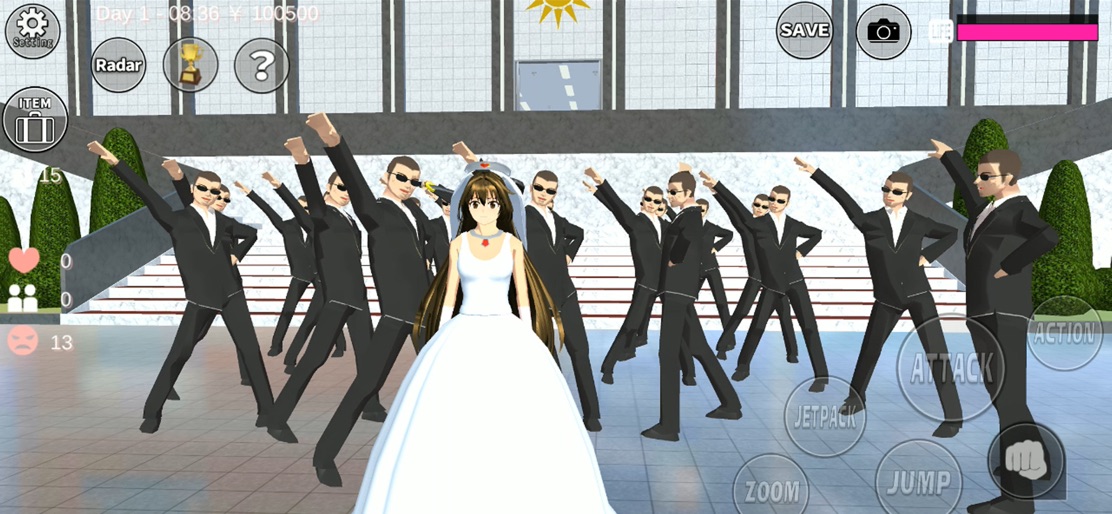
- •Themed Events (Weddings/Amusement Park)
App Insights
Target: Fans of Japanese anime culture, high school life simulations, and sandbox open-world games, primarily Gen Z and Alpha in emerging markets.
- •Interstitial ads
- •Rewarded video ads for unlocking characters
- •Rewarded video ads for earning in-game currency
ASO Keywords:
About SAKURA School Simulator
Non-compatible models(1GB RAM): iPhone6 iPhone6 Plus iPhone5s iPod touch (6th) iPad Air iPad mini 3 iPad mini 2 iPad mini This game is a "school simulator game" which is made in Japan. The game is played in the small open fictional world "Sakura-town". We designed the game situations as if it is in a mixture world, that is the both of the situations in the real high school daily life in Japan and the situations which is shown in Japanese animations that sometimes contain very fantasistic elements. The half things you might see in this game will be really shown in japanese high school. In that sense, in this game, you can experience the simulated high school daily life in Japan as a student. This game is not an action and shooting game and so on but a simulator. Although we made violent actions and elements valid, but there are no descriptions of blood in the game. The people in the game world will be only fainted but will not be die. The concept of death does not exist in this game so that the fainted people will wake up next day, and they will hate you. You can do the actions below in the game. You can, control and change 4 players in the same stage (The two are valid after watching ADS.) choose avator cloths talk to students and other people choose the sentense for talking make friends and lovers through simulations attend the school lessons buy something and use by yourself or give it to other eat in sushi-bar earn money at car restore shop(a ADS. is shown.) drive a car untill be broken ride the atractions in the amusement park and so on. The above actions that you did will affect and simulate your playing in the various situations. There are no end in this game. Please make the situations as you like, and find favorite way for playing. We hope you will enjoy the game. The contents of this game will be added when we made the new game elements. The additional contents will be shown as a "new" context in this page. *NOTIFICATION Although we used the charactor models of AOI and TAICHI in this game, AOI is a NOT-FREE asset and TAICHI is a FREE asset. Everyone who want to make a game contents and so on can use these assets.
Create screenshots like SAKURA School Simulator
Use FlyerBanana's free editor to create professional App Store screenshots inspired by SAKURA School Simulator's design. 100+ templates, device frames, and one-click export.