
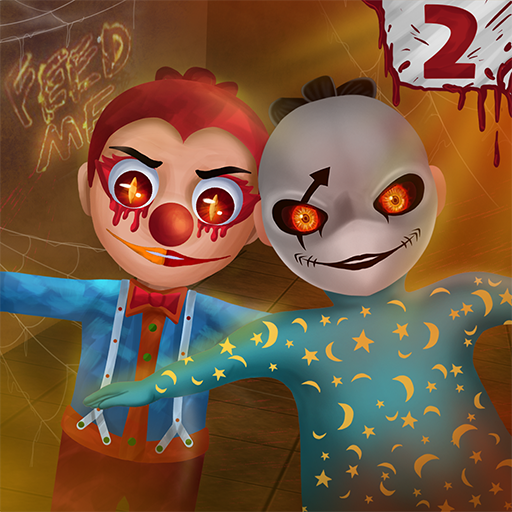
Scary Baby Kids 2: Horror Simu
Camilox Horror Games
Create Screenshots Like Scary Baby Kids 2: Horror SimuApp Store Screenshots (5)


Design Analysis
Visual Design
Style: Custom
Key Features Shown
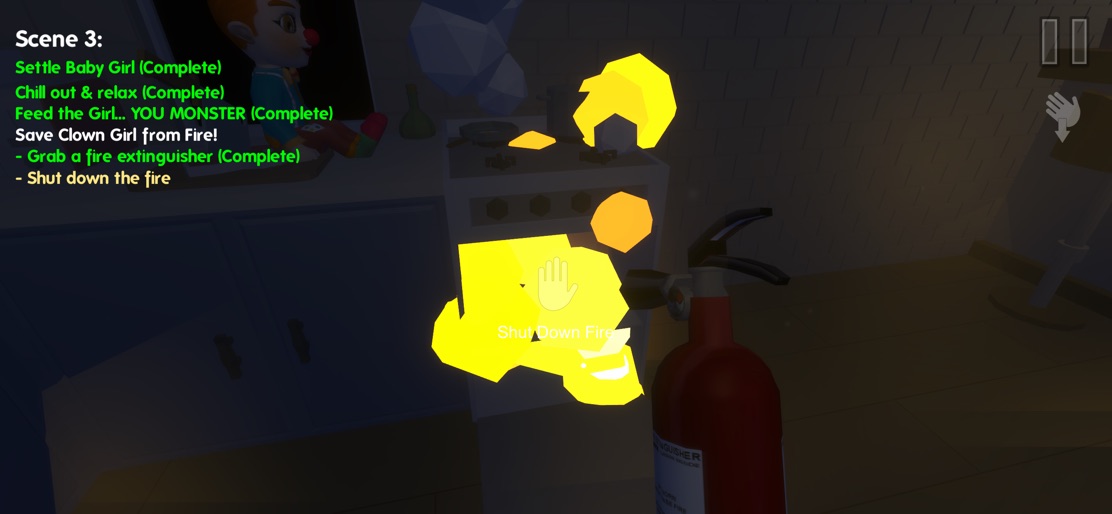
- •Objective Tracking
- •Inventory/Interaction System
- •Multi-scene Storyline
- •Environmental Hazards (Fire)
App Insights
Target: Children and teenagers interested in 'jump-scare' horror games and fans of the 'creepy babysitter' sub-genre.
- •Interstitial ads
- •Rewarded video ads
- •In-app purchases (Remove Ads)
ASO Keywords:
About Scary Baby Kids 2: Horror Simu
Welcome to this brand new chapter 2 with completely new awesome story, features and new surprises for your complete excitement. This Chapter 2 contains 2 nights’ stories: During the first night, you will have to manage a horrific clown girl. Exciting surprises are waiting for you! During the second night, you will have to manage two babies: the clown girl and her terrific sister. Can you solve all the mysteries and make it to the last night? Download now and discover this brand new chapter. Enjoy!
Create screenshots like Scary Baby Kids 2: Horror Simu
Use FlyerBanana's free editor to create professional App Store screenshots inspired by Scary Baby Kids 2: Horror Simu's design. 100+ templates, device frames, and one-click export.
More Entertainment Apps
View all

YouTube
Entertainment


Spotify: Music and Podcasts
Entertainment


TikTok - Videos, Shop & LIVE
Entertainment


Pandora: Music & Podcasts
Entertainment


Shazam: Find Music & Concerts
Entertainment


Photo Lab Picture Editor & Art
Entertainment