
Screen Recorder - Record Video
Kevin's Lab
App Store Screenshots (20)






About Screen Recorder - Record Video
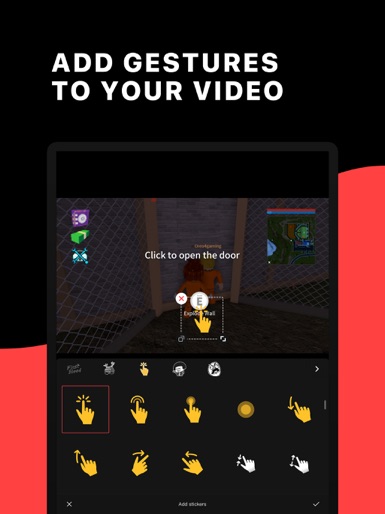
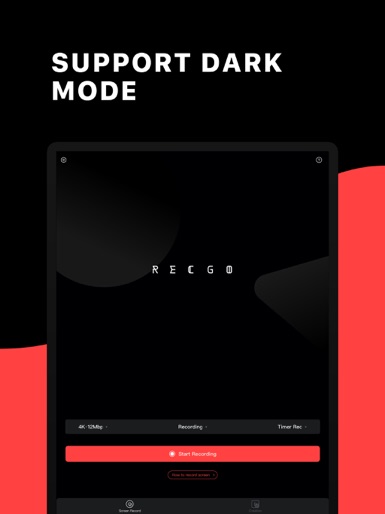
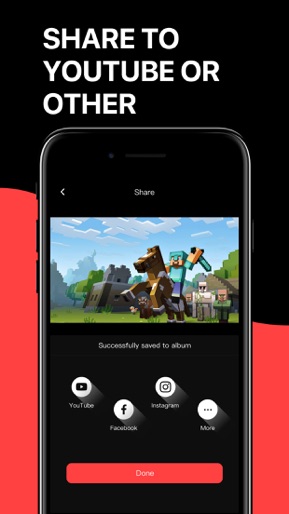
RECGO allows you to record your favorite games, apps or screen audio for tutorials, games, video demos and video call on your iPhone or iPad. After recording your screen, you can add Face Cam to make some video reactions to further enhance your recording! Besides high-quality recording, RECGO also support video editing. You can start to make your YouTube videos after the recording finished with RECGO directly. Just come and join the millions of people who have fun in RECGO. “Thank you! Now I can make Roblox videos now! And it was so easy!!!”—Game Lover “I have been playing Ark mobile and it records really great and it’s super smooth.”—Game Lover “I recommend this to anyone who wants to make YouTube videos on their iPad or whoever just wants to record their iPad.”—YouTube Creator RECORD HD SCREEN VIDEOS -You can select the best recording settings to record your game. FACE CAM REACTIONS -Add Face Cam Reactions to your favorite YouTube videos! -Personalize your reaction by setting the position. AUDIO COMMENTARY -Use your microphone to add audio commentary. POWERFUL VIDEO EDITOR -Crop and trim videos easily, even the newbie can start using it quickly. -Hundreds of music and sound effects to make your video more interesting. -Interesting voice changer function, that can make your video funnier. -Add gestures stickers to your video. -Rotate your videos in 90-degree angles. -Add text and stickers to rich your video. -Select from several filters to enhance your videos. -High video output resolution and share to social apps, like Facebook, YouTube, Instagram, etc. Just come and explore it, then you can find more surprises~ Please do feel free to contact us at screenrecord@outlook.com if you have any problems or suggestion. And welcome to join us to improve RECGO together. RECGO PRO SUBSCRIPTION -You can get unlimited access to all the Pro functions. -The renewal price for 1-month membership is USD $3.99. -Payment will be charged to iTunes Account at confirmation of purchase. -Users can manage or unsubscribe in iTunes & App Store account management in the phone system settings. -Subscription automatically renews unless auto-renew is turned off at least 24-hours before the end of the period. No cancellation of the current subscription is allowed during active subscription period. -Free trial (if any) will automatically renew the premium version after expiration. You can cancel the renewal by going to the Account Settings before the trial ends. If you pay to subscribe to the premium version before the trial period ends, the current trial will end automatically. User Agreement: http://recgo.softin-tech.com/user-agreement/index.html Privacy Policy: http://recgo.softin-tech.com/privacy-policy/index.html
Create screenshots like Screen Recorder - Record Video
Use FlyerBanana's free editor to create professional App Store screenshots inspired by Screen Recorder - Record Video's design. 100+ templates, device frames, and one-click export.