

App Store Screenshots (3)

About Shapes N Maze
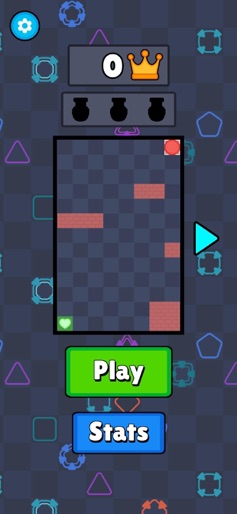
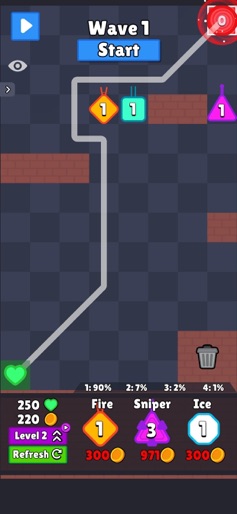
Place turrets to make the path longer for enemies! You can buy turret from a shop and place them along the path you created in order to defend your base from enemies. You can merge your turret to create powerful ones!
Create screenshots like Shapes N Maze
Use FlyerBanana's free editor to create professional App Store screenshots inspired by Shapes N Maze's design. 100+ templates, device frames, and one-click export.
Frequently Asked Questions
How can I create screenshots like Shapes N Maze?
You can create App Store screenshots inspired by Shapes N Maze using FlyerBanana's free screenshot editor. Choose from 100+ templates, customize colors, text, and device frames, then export in all required sizes.
What screenshot sizes does Shapes N Maze use?
Shapes N Maze uses standard App Store screenshot sizes including 6.7" (1290×2796px), 6.5" (1284×2778px), and 5.5" (1242×2208px) for iPhones. FlyerBanana supports all required sizes with one-click export.
Can I use Shapes N Maze's screenshot style for my app?
Yes! While you shouldn't copy screenshots directly, you can use Shapes N Maze's design patterns as inspiration. FlyerBanana's templates let you create professional screenshots with similar layouts, color schemes, and visual styles.