

App Store Screenshots (9)

Design Analysis
Visual Design
App Insights
About StepsApp Pedometer
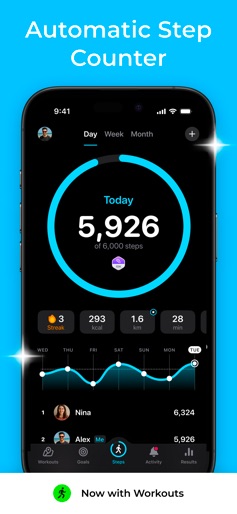
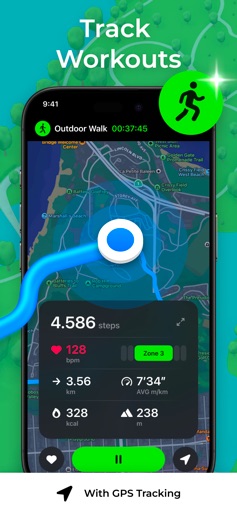
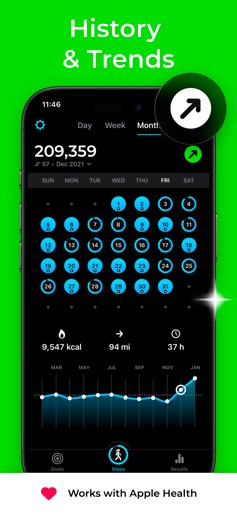
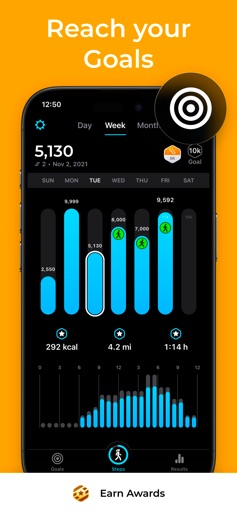
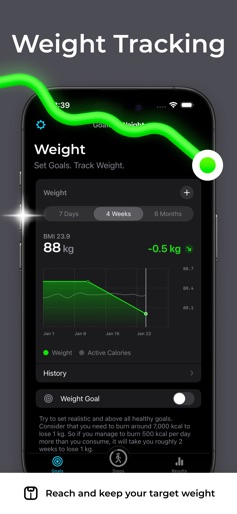
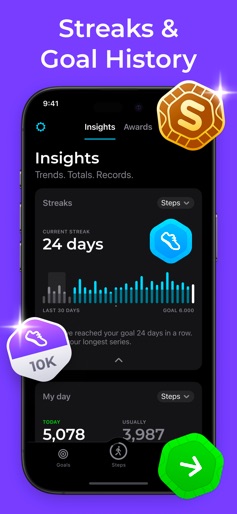
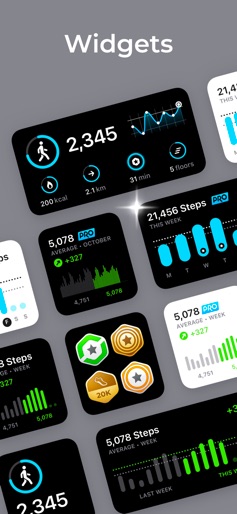
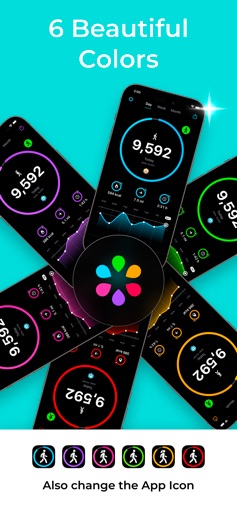
Join the world’s largest walking community! StepsApp turns your iPhone into a sleek, powerful step counter — no extra devices needed. Just slip your phone into your pocket and get moving. Set goals. Count steps. Burn calories. STEPSAPP INCLUDES • Automatic step counting • Stunning charts and animations • NEW: Workouts with Map Tracking, Heart Rate Zones and Insights. • Apple Health integration • Apple Watch support • Workouts with GPS tracking • Active calories • Insights • Trends. Totals. Records. • Powerful day, week, and month views • Awards with 3D medals • iOS 14 widgets for your home screen • Dark and Light Mode • Six beautiful colors – also change the app icon • iMessage app • Today widget • More Daily goals & Notifications • Social media sharing • Wheelchair support • Export data • No extra hardware required YOUR ACTIVITY AT A GLANCE • Quick overview of your daily steps, distance, time, floors climbed, and active calories. • Beautiful weekly, monthly, and yearly charts. • See your progress directly in the today widget. • Display your current step count or wheelchair pushes on the app icon. • Notifications when you have reached your daily activity goal. • Weekly Report • Set and reach your goal… step by step. APPLE WATCH & APPLE HEALTH • Synchronize and import your activity data via Apple Health. • Track your activity with your iPhone and your Apple Watch. • StepsApp will merge your steps automatically. • Now with Apple Watch workouts with GPS tracking. • Securely store your actively burned calories in Apple Health. STEPSAPP FOR EVERYONE • Also enjoy StepsApp with VoiceOver. • Instead of steps, track wheelchair pushes with your Apple Watch. • StepsApp supports more than 20 languages. CUSTOMIZE & SHARE • Spice up your charts with six beautiful colors. • Also change the App Icon • Share your achievements on social media directly from StepsApp... • …or with our brand new iMessage app! Your activity tracker to form a habit of walking, running, hiking and weight loss. StepsApp Privacy Policy: https://steps.app/privacy * StepsApp requires iPhone 5s or newer
Create screenshots like StepsApp Pedometer
Use FlyerBanana's free editor to create professional App Store screenshots inspired by StepsApp Pedometer's design. 100+ templates, device frames, and one-click export.
More Health & Fitness Apps
View all

Flo Cycle & Period Tracker
Health & Fitness


CVS Health
Health & Fitness


Clue Cycle & Period Tracker
Health & Fitness


Headspace: Meditation & Sleep
Health & Fitness


Noom Weight Loss, Food Tracker
Health & Fitness


Impulse - Brain Training
Health & Fitness