
UpFoto - AI Photo Enhancer
AI Photo Team
App Store Screenshots (7)



About UpFoto - AI Photo Enhancer
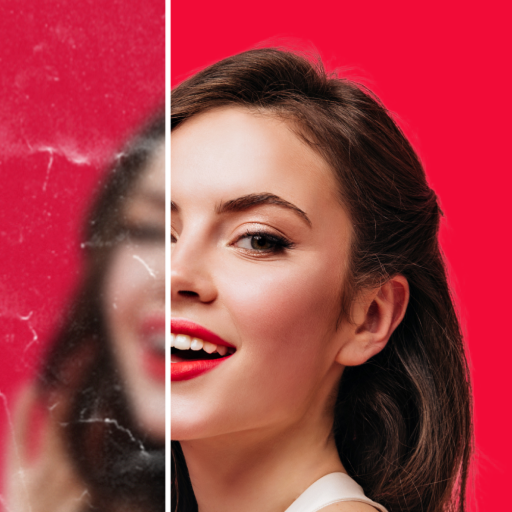
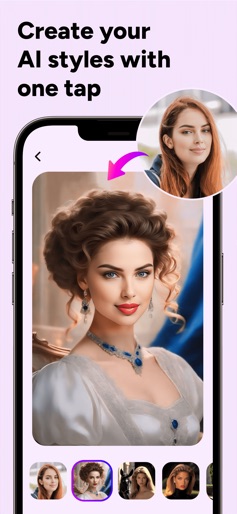
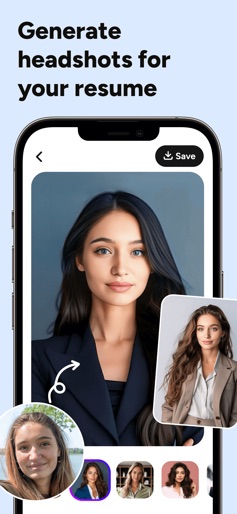
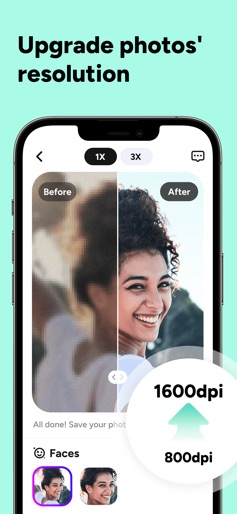
Do you have old, blurry, or damaged photos and wish to transform them into stunning HD quality? Look no further than UpFoto - AI Photo Enhancer! Revive your cherished memories effortlessly with a single tap! Powered by cutting-edge AI, UpFoto instantly upgrades your portrait photos, whether 10 or 20 years old, into HD selfies akin to the latest phone's quality. Enjoy incredible eye detail and perfect skin in seconds. UpFoto also provides AI effects that help you cartoonize your photos in seconds. Why wait? Let’s step into the magical world of AI photo enhancement! MAIN FEATURES Enhance photo quality and clarity Turn your selfies, portraits, or any photos into stunning HD clarity! Use AI technology to elevate the resolution of your photos by 2×, 5×, or even an astonishing 8×. AI portraits: AI headshot generator New feature: AI portraits now available! This AI-powered face-swap tool allows users to blend their facial features with model filters, generating headshots and portraits in various styles. Beautify: optimize portrait details We've completely updated the algorithm of Beautify to achieve more natural, realistic, and textured effects. Enhance facial details and beautify your selfies in no time! Restore photos Repair damaged photos by removing scratches and creases, and improve the photos’ quality. Cartoon yourself Turn your photos into cartoons with professional AI toon effects; create AI avatars. COMING SOON - Colorize old photos with 1 tap - Add filters to photos - Edit photos as your like - More smart filters … Download AI Photo Enhancer now and say goodbye to blurry memories. Watch your photos undergo a miraculous transformation and remini your cherished moments instantly! About Subscription • Your payment will be processed through your iTunes Account immediately upon purchase confirmation. • Subscription automatically renews unless auto-renew is turned off at least 24-hours before the end of the current period. • You can manage your subscription and deactivate auto-renewal in your Account Settings after the purchase. • The renewal fee will be applied to your account within 24 hours before the current subscription term concludes. • If applicable, any unused portion of a free trial will be forfeited upon the user's subscription purchase to the publication. Terms of Use: https://aienhance.atlaszz.com/terms.html Privacy Policy: https://aienhance.atlaszz.com/privacypolicy.html Your feedback and comments are important to us. If you have any questions, please don't hesitate to contact us at aienhanceriosfeedback@gmail.com. We’ll work hard to make your experience even better.
Create screenshots like UpFoto - AI Photo Enhancer
Use FlyerBanana's free editor to create professional App Store screenshots inspired by UpFoto - AI Photo Enhancer's design. 100+ templates, device frames, and one-click export.