
App Store Screenshots (6)


About Xiangqi Classic
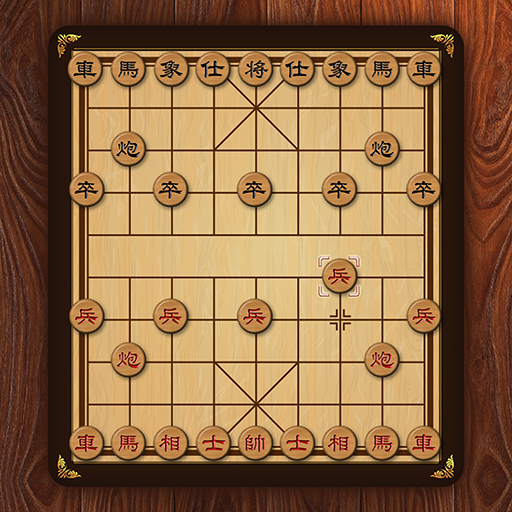
Play Xiangqi, one of most popular chess games in the world. * Features: - Classical Xiangqi chess game - Strong AI algorithm when play with Computer - Play with time-limited or none - Offline game can be played with two players - Support undo last move Hope you enjoy this game.
Create screenshots like Xiangqi Classic
Use FlyerBanana's free editor to create professional App Store screenshots inspired by Xiangqi Classic's design. 100+ templates, device frames, and one-click export.
Frequently Asked Questions
How can I create screenshots like Xiangqi Classic?
You can create App Store screenshots inspired by Xiangqi Classic using FlyerBanana's free screenshot editor. Choose from 100+ templates, customize colors, text, and device frames, then export in all required sizes.
What screenshot sizes does Xiangqi Classic use?
Xiangqi Classic uses standard App Store screenshot sizes including 6.7" (1290×2796px), 6.5" (1284×2778px), and 5.5" (1242×2208px) for iPhones. FlyerBanana supports all required sizes with one-click export.
Can I use Xiangqi Classic's screenshot style for my app?
Yes! While you shouldn't copy screenshots directly, you can use Xiangqi Classic's design patterns as inspiration. FlyerBanana's templates let you create professional screenshots with similar layouts, color schemes, and visual styles.