

App Store Screenshots (3)
Design Analysis
Visual Design
App Insights
About Classic Words With Friends
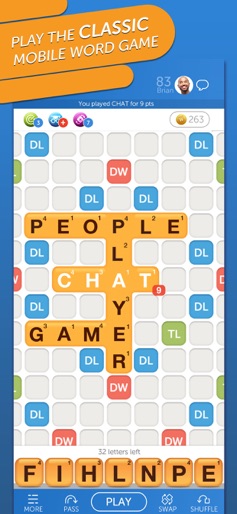
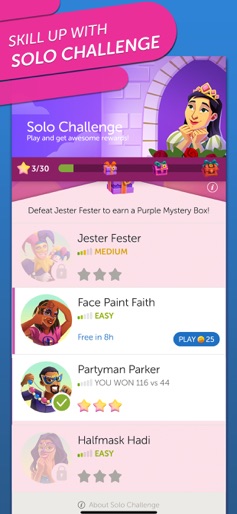
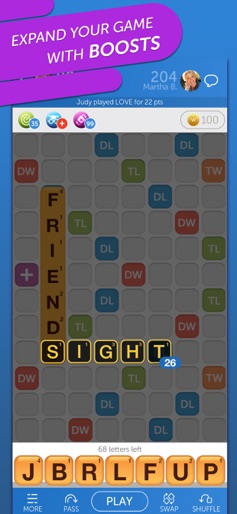
Come enjoy The Original Word Play! Grab your mobile device and prove you have what it takes to best your friends and family in this addictive multiplayer game. Whether you need to relax after a long day, or are looking to train your brain, Words With Friends Classic is perfect for you! Make sure to keep your mind sharp as you choose the perfect move on the board, as one word can be the difference between victory and defeat! Are you looking for a way to build your vocabulary by yourself? Our Solo Challenge is the answer! There is no better way to train your brain than against our fiendish word masters. Looking for new friends with whom to play puzzle games? You can practice your crossword skills with our random opponent matchmaking. No matter if you play with friends old or new, stay connected with our in-game chat, and track your progress with unlockable stats. Think you're the best at word games of all your friends? Prove it by racking up points and beating your Weekly Challenge! Our Terms of Service are changing. See https://zynga.support/T2TOSUpdate for more info. Words With Friends is free to download and includes optional in-game purchases. If you wish to disable in-game purchases, please turn off the in-app purchases in your phone or tablet’s Settings. You must be at least 13 years of age, or such higher age as required in your country, to play or download Words With Friends. Requires an Internet connection (network fees may apply). Use of this application is governed by our Terms of Service, found at https://www.take2games.com/legal. For questions about the game, please review our game support page here https://zyngasupport.helpshift.com/hc/en/26-words-with-friends-classic/. For information about how Zynga uses personal data, please read our privacy policy at www.take2games.com/privacy.
Create screenshots like Classic Words With Friends
Use FlyerBanana's free editor to create professional App Store screenshots inspired by Classic Words With Friends's design. 100+ templates, device frames, and one-click export.










