
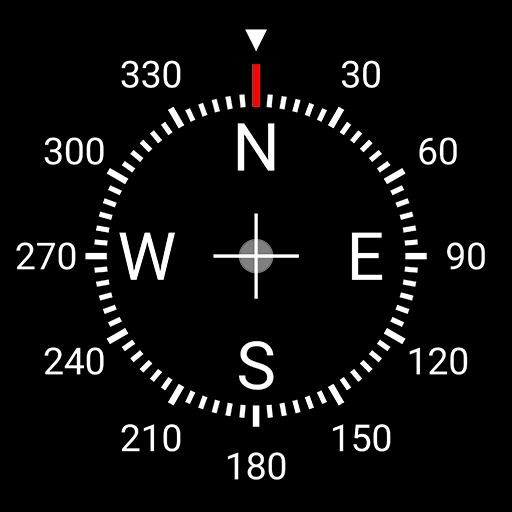
App Store Screenshots (7)


Design Analysis
Visual Design
Style: Material Design
Key Features Shown
- •Digital Heading Display
- •Magnetic Strength Meter
- •Integrated Google Maps
- •Latitude/Longitude/Address Display
- •Calibration Guide
App Insights
Target: Outdoor enthusiasts, hikers, travelers, and users with older Android devices lacking a built-in system compass.
- •In-app purchases (Ad-free version)
- •Third-party display ads
- •Data monetization/harvesting (as per user complaints)
ASO Keywords:
About Digital Compass
This is a high precision and insanely beautiful digital compass. Useful features: • Latitude, longitude and address • Full-screen map • True heading and magnetic heading • Magnetic strength • Slope level meter • Sensor status Caution! • Do not use the app with magnetic covers. • If you encounter a direction error, calibrate your phone by waving the device in a figure 8, two or three times. Follow us on YouTube! • https://axmt.co/YouTube Follow us on Instagram! • https://www.instagram.com/axiomatic.inc/ Follow us on Facebook! • https://www.facebook.com/DigitalCompass.Android/ © 2014–2026 Axiomatic Inc. All rights reserved.
Create screenshots like Digital Compass
Use FlyerBanana's free editor to create professional App Store screenshots inspired by Digital Compass's design. 100+ templates, device frames, and one-click export.
More Maps & Navigation Apps
View all

United Airlines
Maps & Navigation


Google Maps
Maps & Navigation


Southwest Airlines: Travel App
Maps & Navigation


The Weather Channel - Radar
Maps & Navigation


Expedia: Hotels, Flights, Cars
Maps & Navigation


Waze Navigation & Live Traffic
Maps & Navigation