

App Store Screenshots (9)




Design Analysis
Visual Design
App Insights
About Friday AI Email Writer
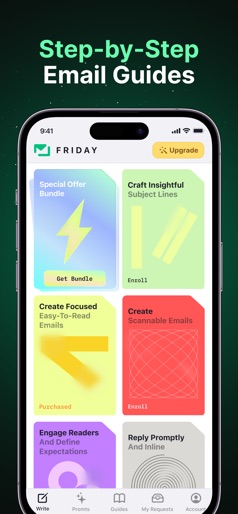
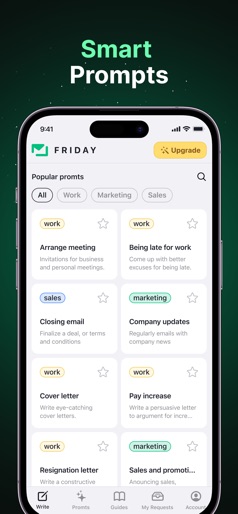
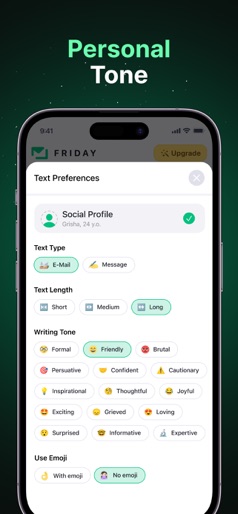
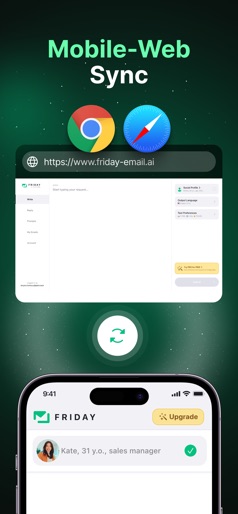
Enhance your writing with our E-mail assistant. The ultimate app was created for anyone looking to improve their writing skills. Powered by AI, our app provides personalized suggestions and story tellings to help you write better, faster, and more efficiently. The app can assist with everything from creating a letter to proofreading and providing suggestions for improving your writing! Whether you want to write to your partner, friend, or colleague, get advice, or find new connections, Friday has it covered. Whether you're a student, a professional, or someone who wants to improve their writing, Friday is here to help. With its powerful AI technology, the app can assist with everything from proofreading and grammar checking to suggestions for improving your writing. Open the app, type or paste your text or just record your voice request, and let Friday do the rest. In just a few seconds, you'll have a beautifully polished, error-free document ready to be shared with the world. With our free trial, you can enjoy a 3-day free period with unlimited access to all features, including composing emails, replying to messages, using prompts, and personalizing your emails with your social profile. So why wait? Download Friday today and start writing like a Pro! Privacy Policy: https://telegra.ph/Friday-AI-E-mail-Assistants-Privacy-Policy-07-24 Terms of Use: https://telegra.ph/Terms--Conditions-07-26
Create screenshots like Friday AI Email Writer
Use FlyerBanana's free editor to create professional App Store screenshots inspired by Friday AI Email Writer's design. 100+ templates, device frames, and one-click export.











