
App Store Screenshots (8)


Design Analysis
Visual Design
Style: Custom
Key Features Shown
- •Digital Coloring
- •Color Palette Selection
- •Brush/Tool Selection
- •Undo/Reset Function
App Insights
Target: Children and fans of the Talking Tom & Friends franchise interested in digital coloring and drawing activities.
- •Interstitials
- •Banner Ads
- •Rewarded Video Ads
ASO Keywords:
About My Talking Tom 2
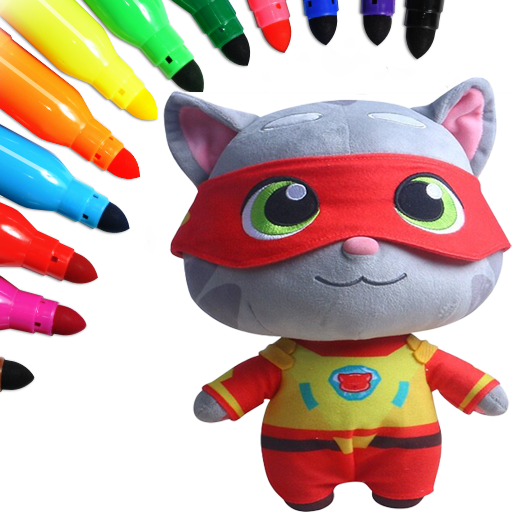
Talking Tom 2 app for draw the iconic TalkingTom characters. This application is perfect for fans of the TalkingTom series who want to improve their drawing skills. With easy-to-follow tutorials, you'll learn the basics of anime drawing, starting with the body anatomy, head, hair, face, eyes, lips, and body of TalkingTom, Ben, Ginger, Angela and Angela characters. We added a group of characters : - Talking Ben Coloring Pages - Talking Ginger Coloring Pages - Talking Angela Coloring Pages - Talking Angela Coloring Pages For more coloring games, we are pleased to visit our store.
Create screenshots like My Talking Tom 2
Use FlyerBanana's free editor to create professional App Store screenshots inspired by My Talking Tom 2's design. 100+ templates, device frames, and one-click export.
More Art & Design Apps
View all

AI Photo Editor - Lumii
Art & Design

Color Pop AI - Coloring Book
Art & Design


Wallpaper 4K HD – Wallcraft
Art & Design


AI Image Generator: ImagineArt
Art & Design


Art Puzzle - Jigsaw Art Games
Art & Design


Coloring Book: Color by Number
Art & Design