
Photo Print: CVS Quick Prints
PlusMinusOne, Inc.
Create Screenshots Like Photo Print: CVS Quick PrintsApp Store Screenshots (8)

Design Analysis
Visual Design
App Insights
About Photo Print: CVS Quick Prints
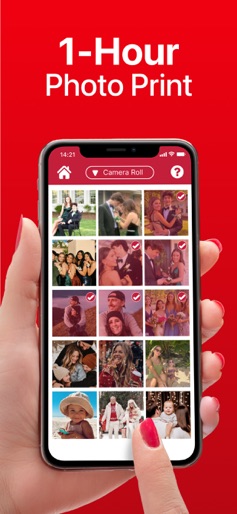
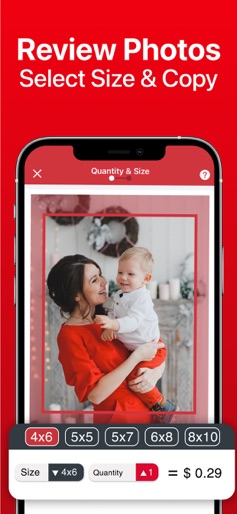
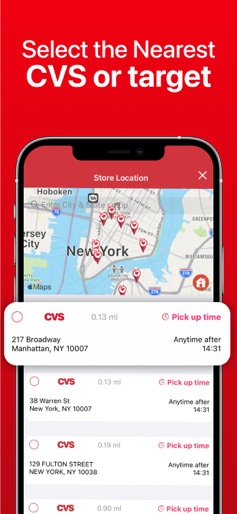
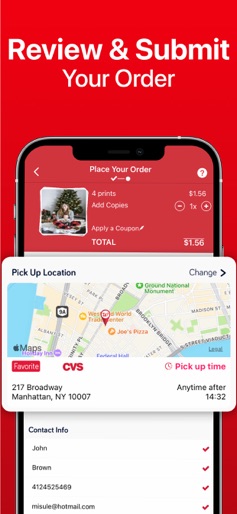
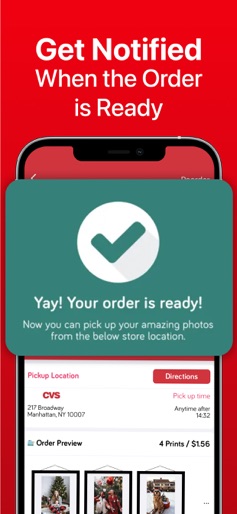
◉ Print your photos to CVS and pick up in an hour! The fastest and easiest way to print photos. Download now for free. Order photos from your phone, pick up and pay at CVS or Target stores in 1 hour. No registration, no login and no credit card required! ◉ Print photos in 5 easy steps! 1.Select photos from your iPhone or iPad 2.Crop and resize photos as you wish 3.Choose size and quantity of photos 4.Submit your order to CVS or Target store near you 5.Check your order status and pick up them in 1 hour ◉ 100% PROFESSIONAL QUALITY PHOTO PRINT SATISFACTION GUARANTEED ◉ Every photo ordered via Quick Photo Print will be printed to highest quality Kodak paper by CVS and Target. You can check the quality of photos before pickup and ask for a reprint for free if you are not 100% satisfied. Quick Photo Print FEATURES: ◉ Choose photos from your photo folders, camera roll, favorites, selfies etc. ◉ Or select photos from your Facebook and Instagram account ◉ Preview each photo before submitting ◉ Zoom, crop or resize each photo ◉ Set size and quantity per photos ◉ 4x6, 6x8 and 8x10 prints for standard camera roll photos ◉ 6x6 and 8x8 square prints for Instagram photos ◉ Optimized photo upload in the background, no waiting time at all! ◉ See estimated pickup times for the stores before submitting the order ◉ Submit to your orders over 10.000+ CVS and Target Stores ◉ Get notified when your orders are ready ◉ Pickup photos in 1 hour or less at selected CVS and Target store. Download Quick Photo Print now and enjoy convenient, fast, and professional quality photo printing service! If you have any problem or feedback please contact us within the app or send an email to support@quickprints.co. We always reply to every email and provide a solution within 24 hours. By using Quick Photo Print, you agree to the terms of use. These terms can be found on the help menu within the app.
Create screenshots like Photo Print: CVS Quick Prints
Use FlyerBanana's free editor to create professional App Store screenshots inspired by Photo Print: CVS Quick Prints's design. 100+ templates, device frames, and one-click export.











