

App Store Screenshots (10)






Design Analysis
Visual Design
App Insights
About Sky Guide
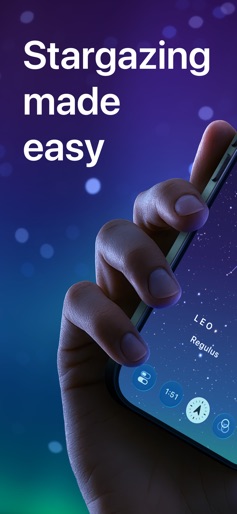
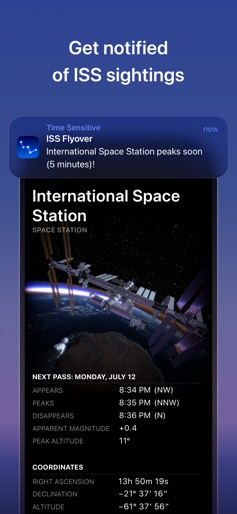
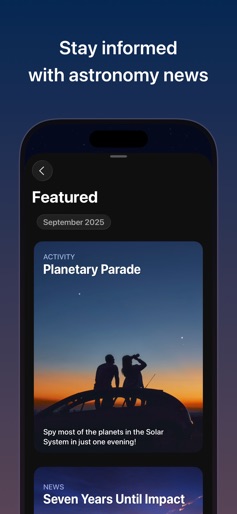
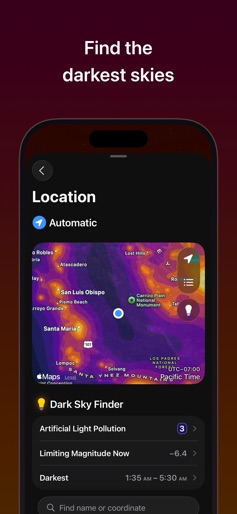
Bring the beauty of the stars down to Earth. Hold Sky Guide® overhead to automatically identify any star, constellation, planet or satellite! Easy to use and powerful, it’s epic stargazing for any experience level. Is it a star or the planet Mars? Knowing what’s up in your night sky is easier than ever. Sky Guide’s AR mode superimposes figures onto your real sky so visualizing the heavens becomes effortless. Have you ever wished you could recognize constellations but didn’t want to fumble around with paper star charts? Now you can. A speck of light crosses the night sky, growing brighter. What could it be? You don’t have to wonder anymore. Track a bright satellite and receive perfectly-timed notifications whenever the International Space Station is about to fly over your location. With Sky Guide, you’ll be saying ‘Goodbye, aliens’ and ‘Hellooooo, astronauts!’ Voyage to the past or future with cinematic time controls. Know where the Moon will be later in the evening so you can capture that perfect photo or be an eyewitness to history’s greatest comets. Whether you’re searching for Sagittarius, Saturn, or the next big meteor shower, Sky Guide is jam-packed with information and rich graphics that will satisfy the most curious minds. Plus, stay current with location-filtered events like solar and lunar eclipses with Sky Guide’s personalized Calendar. Camping in the backcountry? Sky Guide can function with or without Wi-Fi, cellular service or GPS, so everything is at your fingertips no matter where you go. Join the millions who have discovered a more personal connection to the stars with Sky Guide. It might forever change the way you look up. Terms of Use: https://www.fifthstarlabs.com/terms-of-use
Create screenshots like Sky Guide
Use FlyerBanana's free editor to create professional App Store screenshots inspired by Sky Guide's design. 100+ templates, device frames, and one-click export.










