

App Store Screenshots (6)



Design Analysis
Visual Design
Style: Custom
Key Features Shown
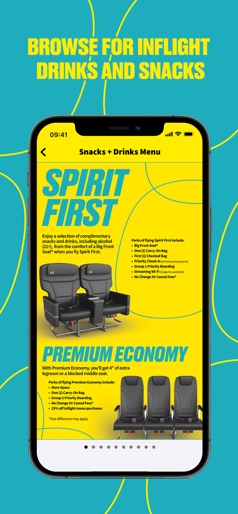
- •Premium Seating Showcase
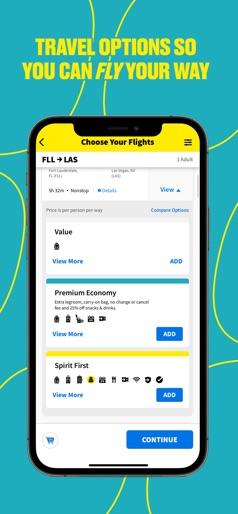
- •Tiered Fare Options
- •Trip Dashboard
- •Digital Boarding Pass
- •In-flight Menu Preview
App Insights
Target: Budget-conscious travelers, leisure flyers, and frequent travelers within the Americas seeking ultra-low-cost transit.
- •Direct flight sales
- •Ancillary services (Bags, Seats, Wi-Fi)
- •Loyalty program (Free Spirit)
- •Co-branded credit card promotion
ASO Keywords:
About Spirit Airlines
More Fly – Download the Spirit Airlines App! Easily manage all your trips in one place. From booking your next getaway to receiving real-time flight updates, the Spirit Airlines app makes travel easier and faster than ever. Key Features: My Trips • Access all upcoming trip details at your fingertips – from flight status to gate info, seat assignment, and more. • Get notified when it’s time to check-in, so you’re ready to go! • Access your mobile boarding pass instantly. • Modify your seats, add bags, or upgrade your trip with no change or cancel fees! Book Flights • Easily search, find, and book your next getaway in just a few taps. Flight Status • Stay in the loop with real-time notifications for flight changes. • Track the arrival times of family and friends with ease. My Account • Join Free Spirit® to start earning points towards reward travel – as low as 2,500 points! • Track your tier status, point balance, and personalize your profile. Download today and fast track your airport experience with Spirit!
Create screenshots like Spirit Airlines
Use FlyerBanana's free editor to create professional App Store screenshots inspired by Spirit Airlines's design. 100+ templates, device frames, and one-click export.











