
App Store Screenshots (8)




Design Analysis
Visual Design
App Insights
About Structured - Daily Planner
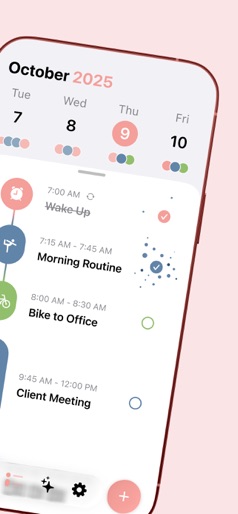
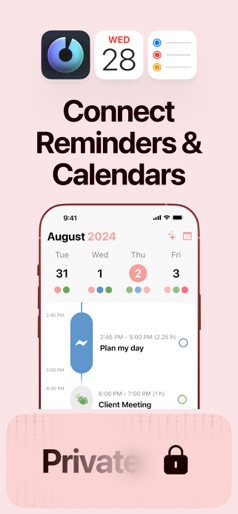
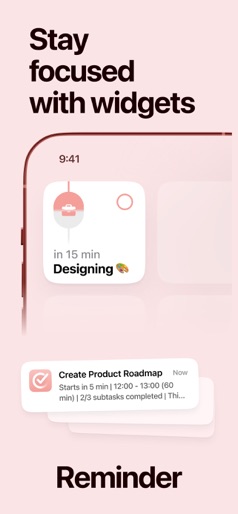
Make December count. Plan ahead, stay on top of your days, and build routines that help you transition smoothly into 2026. Finally take control of your day. Plan with a clear visual timeline that brings your calendar, to-dos, routines, and habits together. Join over 1.5 million active planners who feel calmer, focus faster, and get more done — every single day. Perfect for work, study, travel, and busy ADHD minds. Plan in minutes and stay focused all day. Start free to: - Organize your day and week in an intuitive timeline - Capture ideas instantly in Inbox and sort them later - Sync across iPhone, iPad, Apple Watch and Mac - Break big projects down with notes & sub-tasks - Stay on track with a Pomodoro focus timer, Live Activities, and interactive widgets - Personalize your planner with color-coding and hundreds of icons - Benefit from accessibility features like VoiceOver, Voice Control, a dyslexia-friendly font, and multiple languages Upgrade to Structured Pro to: - Get a complete overview by connecting your calendars and Reminders - Build recurring tasks & routines that actually stick - Powered by AI, draft your day in seconds - Replan, automatically reschedules missed or forgotten tasks - Customize notifications to match your workflow Structured Pro is available monthly, annually, or as a lifetime purchase. Terms & Privacy: https://structured.app/legal
Create screenshots like Structured - Daily Planner
Use FlyerBanana's free editor to create professional App Store screenshots inspired by Structured - Daily Planner's design. 100+ templates, device frames, and one-click export.










