

App Store Screenshots (9)




Design Analysis
Visual Design
App Insights
About Supershift Shift Work Calendar
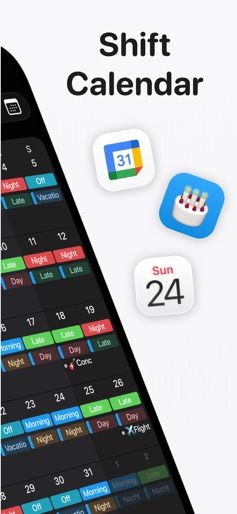
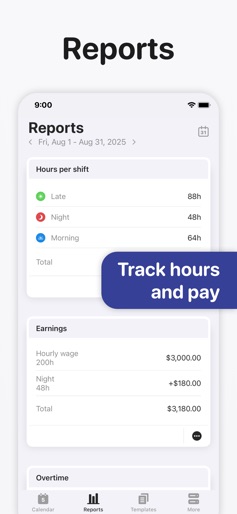
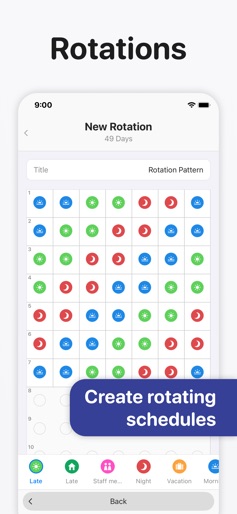
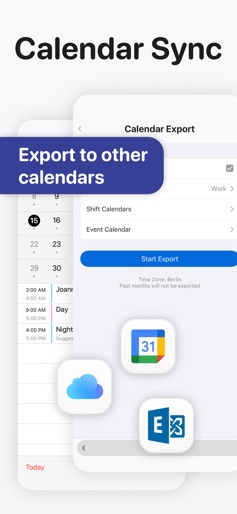
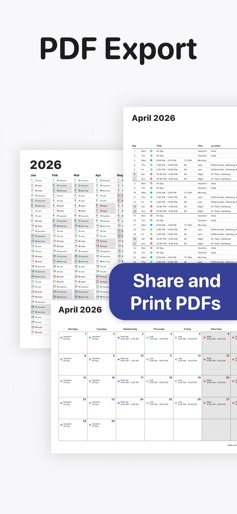
Share your work schedule with friends, family or colleagues and keep each other up to date. Supershift is great for keeping up with your shift working schedule and all other calendar events in between. With Supershift, scheduling is easy and quick, plus it works with the Apple Watch for a quick view. You can customize shifts with colors and icons and add as many shifts per day as you’d like. • REPORTS Create reports for earnings, hours per shifts, overtime and shift counting (e.g. vacation days). • DARK MODE A beautiful dark mode makes viewing your schedule at night more comfortable. • ROTATION Define rotations and apply them for up to 2 years in advance. • APPLE WATCH View current and upcoming shifts on the watch app and watch complications. The watch app includes countdown timers for time to start and time remaining. • WIDGET Widgets that can show day, 2 weeks, 4 weeks or agenda view. Supershift Pro features: • iOS CALENDAR EXPORT Export shifts to the iOS calendar (e.g. Google or iCloud calendar) to share your schedule with friends and family. • PDF EXPORT Create and share a PDF version of your monthly calendar. The PDF can be customized with title, times, breaks, duration, notes, location and total hours worked. • CLOUD SYNC Use cloud sync to keep all your iOS devices in sync. If you get a new iPhone or iPad cloud sync can be used to restore your data (requires iOS 10 or later). • iOS CALENDAR EVENTS Birthdays, appointments and other events from external calendars (e.g. Google or iCloud calendar) can be shown alongside your shifts. Privacy Policy: https://supershift.app/privacy.html Terms of Use: https://www.apple.com/legal/internet-services/itunes/dev/stdeula/
Create screenshots like Supershift Shift Work Calendar
Use FlyerBanana's free editor to create professional App Store screenshots inspired by Supershift Shift Work Calendar's design. 100+ templates, device frames, and one-click export.











