

Train Driver - Games for kids
Yateland Games for kids
Create Screenshots Like Train Driver - Games for kidsApp Store Screenshots (10)



Design Analysis
Visual Design
App Insights
About Train Driver - Games for kids
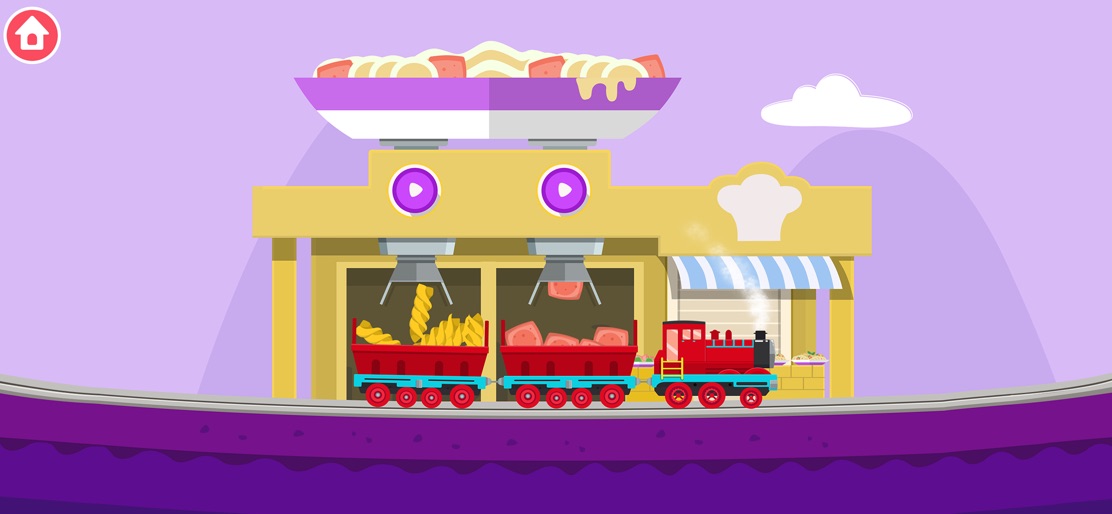
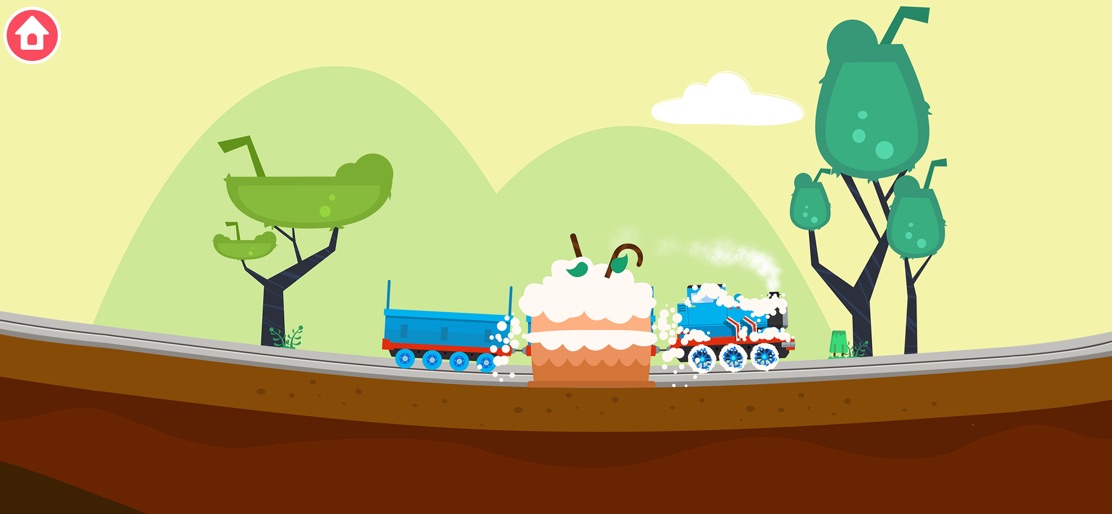
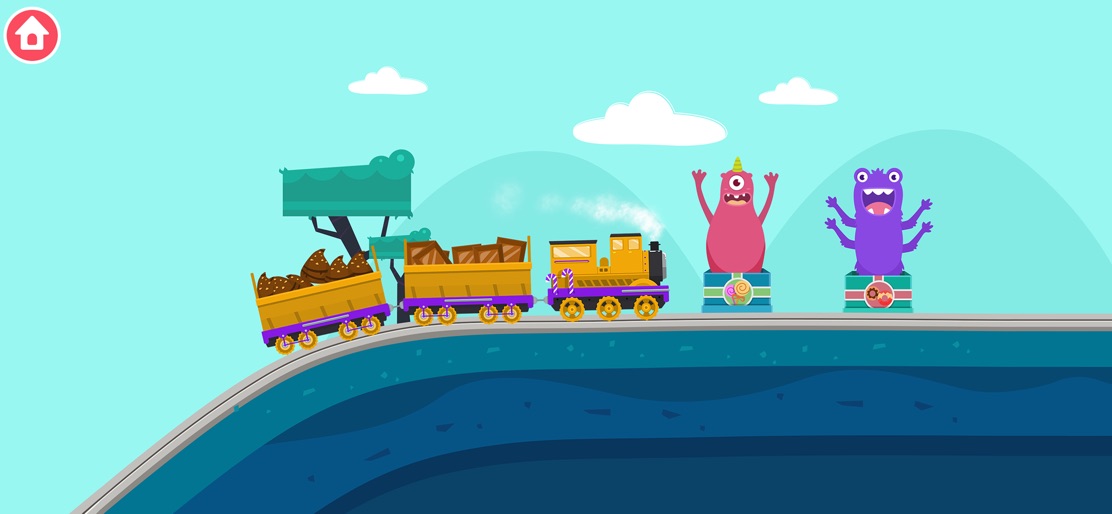
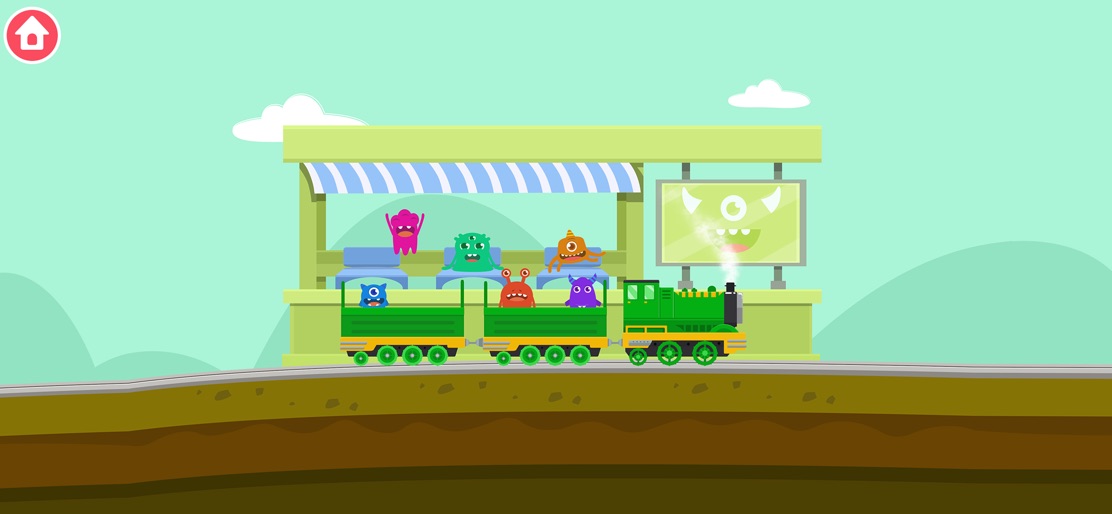
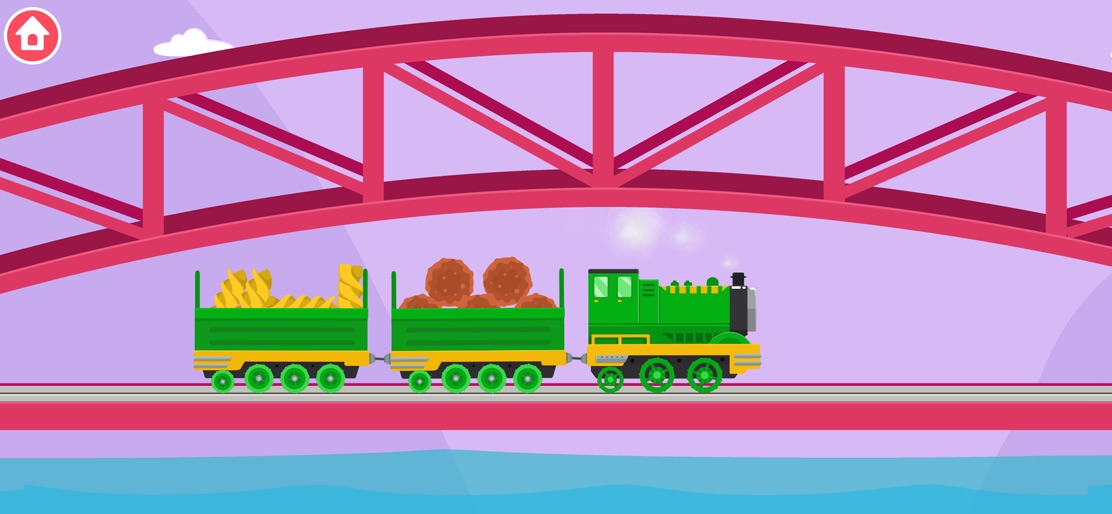
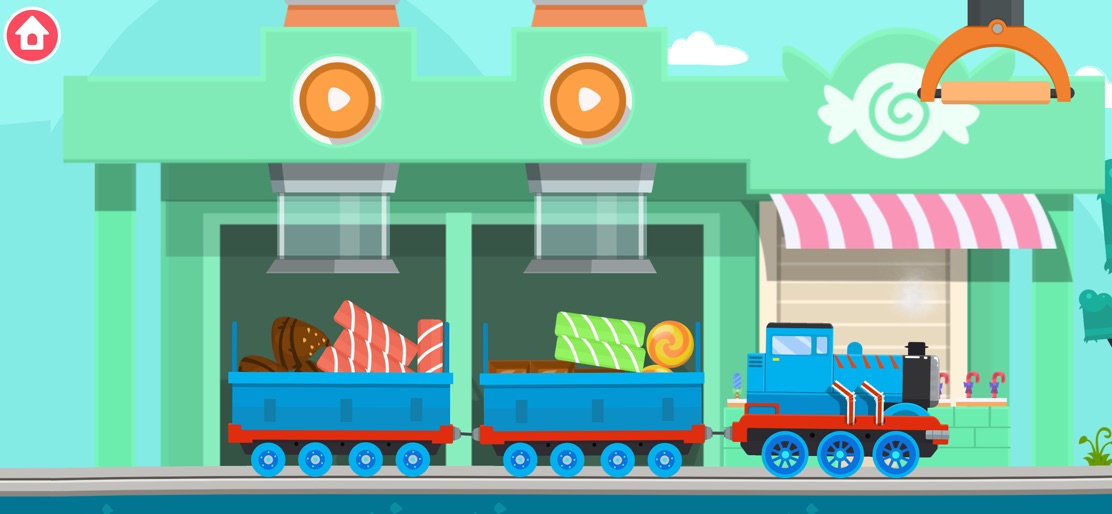
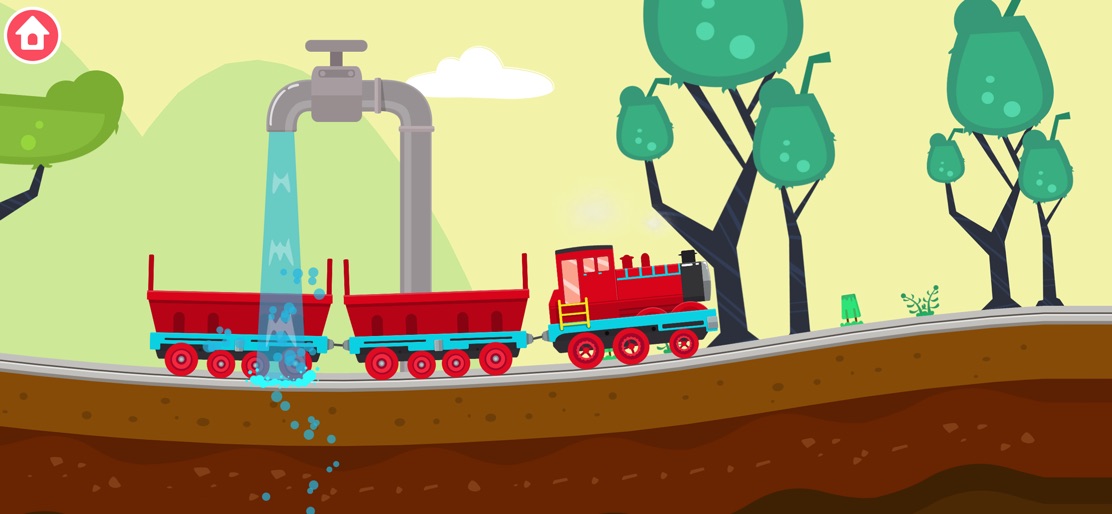
All aboard for fun with Train Games for Kids! Choose your train, embark on building adventures and experience the thrill of driving. Perfect for little conductors! Awaken your child’s creative potential with “Train Driver” - a captivating children’s game that melds the exhilaration of train games with essential educational elements. This game transforms their playtime into a whimsical train journey, bounded only by their imagination. Choose from a range of trains - from steam trains and diesel locomotives to high-speed trains. Construct your dream train using an array of unique bricks, each contributing to your creative masterpiece. As a train simulator, “Train Driver” lets your child delve into the enthralling world of train driving, train building, and railway games. Navigate your train through diverse landscapes - from serene countrysides to bustling city transportation networks. Guide your train over bridges, through tunnels, up steep hills, and then zoom down at thrilling speeds. Dodge obstacles, pop balloons, traverse muddy paths, and even treat your locomotive to a fun train wash. Featuring mini games and a virtual sandbox, every play session with “Train Driver” becomes a new exploration. The journey matters more than the destination, as we transform every train journey into an immersive educational experience. Watch out for playful creatures who are eager to join your child on their train adventure! Designed for toddlers and preschoolers aged 2-5, “Train Driver” is an excellent choice for preschool education. Our app provides an ad-free, offline environment where children can engage in shared creation, nurturing their creativity and learning through play. Developed by Yateland, we are committed to crafting educational apps that children love and parents trust. All of our products are meticulously created to inspire learning and growth through play. Discover more about Yateland and our extensive array of apps at https://yateland.com. Our dedication extends to protecting our users’ privacy. For a detailed understanding of our privacy policies and practices, please visit https://yateland.com/privacy. With “Train Driver”, our goal is to create a secure, creative, and educational environment where your child’s imagination can truly flourish.
Create screenshots like Train Driver - Games for kids
Use FlyerBanana's free editor to create professional App Store screenshots inspired by Train Driver - Games for kids's design. 100+ templates, device frames, and one-click export.










