

App Store Screenshots (10)




Design Analysis
Visual Design
App Insights
About Turbo AI - Notetaker
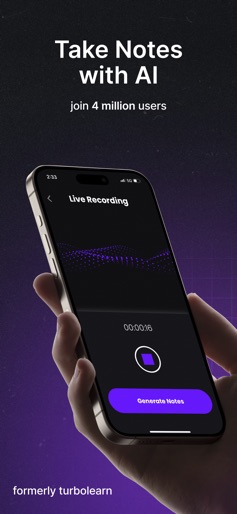
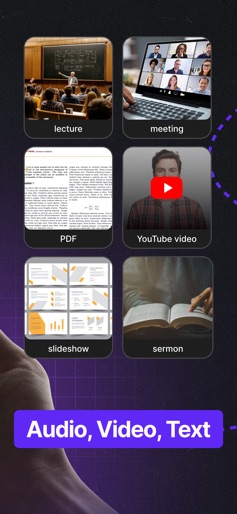
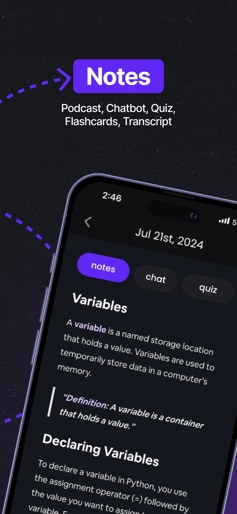
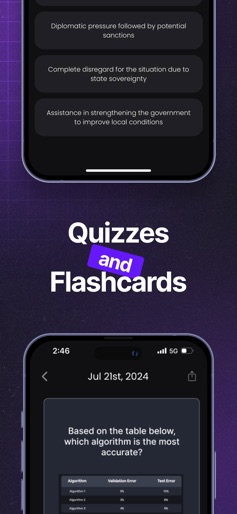
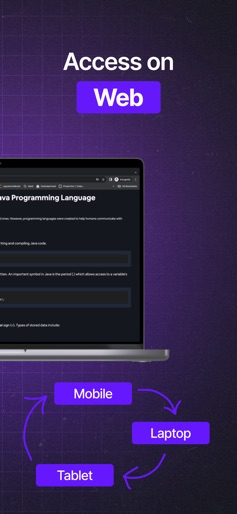
Turbolearn AI is now Turbo AI! We've rebranded and upgraded our AI-powered platform to transform audio, video, and text into exceptional study materials—generating high-quality notes, quizzes, flashcards, and podcasts instantly. Turbo's advanced AI creates engaging notes featuring tables, emojis, diagrams, and equations, all synced seamlessly across our app and website (http://www.turbo.ai). Enhance your learning experience by chatting directly with your notes to extract deeper insights. Students and professionals alike use Turbo AI for lecture notes, meeting summaries, journaling, and more. Key Features: - Rich Notes: Beautifully formatted notes with diagrams, equations, tables, and emojis. - Quiz Questions: Instantly create amazing quiz questions from your notes. - Flashcards: Effortlessly generate effective flashcards for quick review. - Podcasts: Turn lengthy content into engaging, easy-to-follow podcasts. - Folders: Easily organize notes into customizable folders for better management. - Real-Time Sync: Sync notes across devices with instant updates. Turbo AI is the better alternative to Coconote, Wave AI, Mindgrasp, and Study Fetch. Questions or ideas? Reach out to us at contact@turbolearn.ai :) Terms of Service: https://www.apple.com/legal/internet-services/itunes/dev/stdeula/
Create screenshots like Turbo AI - Notetaker
Use FlyerBanana's free editor to create professional App Store screenshots inspired by Turbo AI - Notetaker's design. 100+ templates, device frames, and one-click export.










