

App Store Screenshots (8)



Design Analysis
Visual Design
App Insights
About WorkingHours - Time Tracking
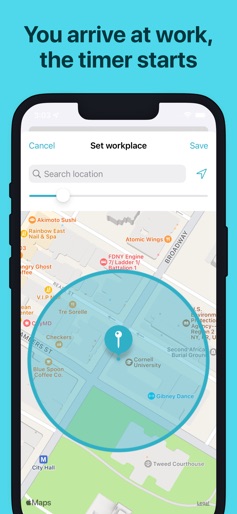
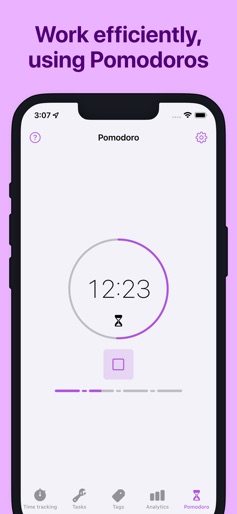
Easily track your work hours - organize, analyze and export them. Perfect for freelancer, hourly workers, employees or anyone else who wants to keep track of his or her working time. Completely without ads or subscription. • Cross-platform time tracker app, works for all your devices incl. Cloud sync* • Use your own Cloud storage for the sync (OneDrive, Google Drive, Dropbox, iCloud, WebDAV) • Start/pause/stop your working time without opening the app - via widget, notification & geofence* • Edit your work units afterwards to correct mistakes & add details • Assign tasks or tags to work units • Data export as Excel sheet, CSV file or PDF invoice* • Auto-start/stop when arriving/leaving the work place using GPS geofencing • Special tags allow adjustments of the worked time and earnings • Filter work units by tag and task • Analyze working time and earnings via graphs • Calendar integration: see your appointments in-app and quickly transform them into tracked work time • Be productive with the Pomodoro technique - WorkingHours reminds you when you finish a work session WorkingHours - the easiest and fastest time tracking / timesheet app for iOS, macOS & more! * Pro version feature - Free 7 day trial period of the Pro version included. Pro version is a one-time-purchase, no subscription. Purchase will be bound to App Store account. App licenses for other platforms need to be purchased separately. More details in the FAQ
Create screenshots like WorkingHours - Time Tracking
Use FlyerBanana's free editor to create professional App Store screenshots inspired by WorkingHours - Time Tracking's design. 100+ templates, device frames, and one-click export.











