

App Store Screenshots (8)






Design Analysis
Visual Design
App Insights
About World Travel Stories - Airport
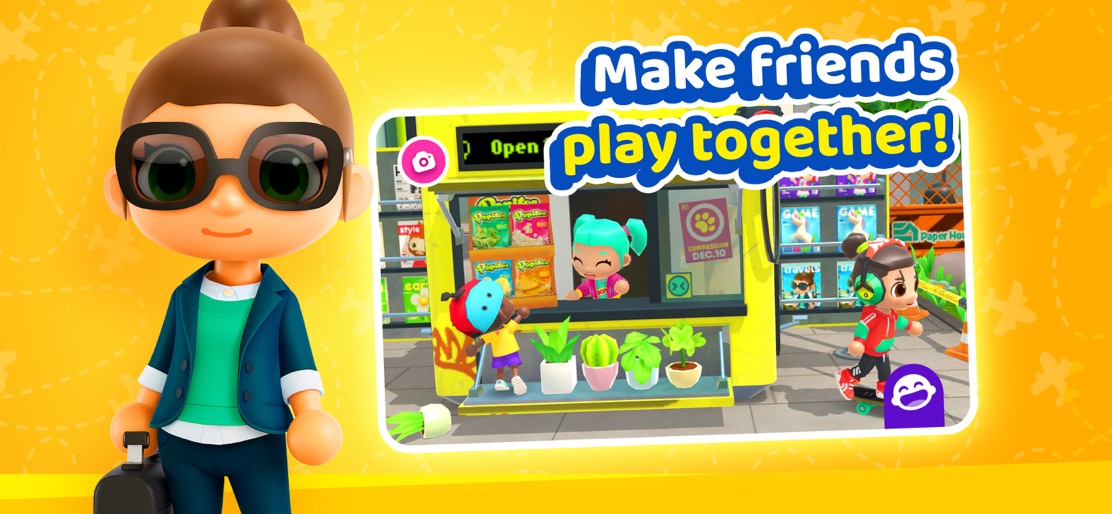
Travel the world, meet new friends and create your own adventures anywhere you go in Stories World Travels! Attention all passengers, please fasten your seatbelts and prepare to land in an all-new adventure with World Travel Stories™. Stow your belongings and get ready to EXPLORE! Tour the all-new exciting locations, chock full of crazy interactions with your favorite characters! World Travel Stories™ will drop you off in a packed airport, and what happens next is completely up to you. You are in charge of creating your own traveling stories. There are no rules. No limits. Drag and drop your characters anywhere, dress them in any way, and interact with loads of exciting objects in lively new environments across the globe. The world is yours! Use your imagination to create the most amazing stories yet. Hit up the airport and travel to exotic new locations, all around the world. Imagine being a jetsetter, or maybe a jungle explorer in mystic ruins? What wondrous things will you discover in these remote destinations? With new locations waiting for you on frequent updates, the possibilities are limitless. Uncover the mysteries of an ancient temple, marvel in the majestic waterfalls, or just chill out in the pool of a tropical eco-resort with a juicy tropical cocktail. Find out for yourself in this extraordinary adventure today! **Features** - Free play mode you’ll love. Your world, your rules. - Exotic new locations full of charming customizable characters. - Lightning-fast traveling from one location to another. - Game progress is auto-saved. Continue your amazing story the next day. - Capture the most magical moments during your adventures with the Camera mode. - New updates will just roll in, with additional destinations, characters, and an insane amount of things to do. The first free destination includes a vibrant city, a cozy travelers’ home, and a cutting-edge international airport, with thousands of interactions and 19 cool characters. A great beginning to start your journey. **SUBARA for everyone** We build digital experiences that are filled with fun and creativity, that spark the imagination of millions of players, of any age, from any corner of the world. Our ethos is underpinned by the quest of being the best humans, and company, we can be. Whether this is through planting trees to help rebuild the world, or by producing great games to entertain, educate, and enlighten players while inspiring them to be the best version of themselves.
Create screenshots like World Travel Stories - Airport
Use FlyerBanana's free editor to create professional App Store screenshots inspired by World Travel Stories - Airport's design. 100+ templates, device frames, and one-click export.










